Battle map size: get the grid right
on every tabletop
The grid numbers for Roll20, Foundry VTT, Owlbear Rodeo, Alchemy and a printed mat, and how to read the square count off the map itself.
Battle map size comes down to pixels per square: the map’s width in pixels divided by the squares across it. Roll20 draws its grid at 70 pixels a square and recommends 140 for maps players zoom into, Foundry VTT defaults to 100, Alchemy recommends 140, and a printed mat uses 1-inch squares. How many squares a map spans is your call, and the furniture on the map tells you what it should be.
Pixels per square on every tabletop
Every virtual tabletop lays its own grid over the map, and each one sizes that grid a little differently. These are the numbers to check a map against.
| Tabletop | How you set the grid | Pixels per square | File limit |
|---|---|---|---|
| Roll20 | How you set the grid: Set the page size in squares, then stretch the map to fill it | Pixels per square: 70 by default, 140 recommended for maps players zoom into | File limit: 20MB free, 50MB Plus, 100MB Pro |
| Foundry VTT | How you set the grid: Set Grid Size in pixels; Foundry reads the map’s dimensions itself | Pixels per square: 100 by default, 50 minimum; most maps use 70, 100, 140 or 200 | File limit: None set by Foundry |
| Owlbear Rodeo | How you set the grid: Type the columns and rows, or put them in the filename | Pixels per square: Set the DPI directly, or let the column count set it | File limit: 25MB and 67 megapixels on the free and Fledgling plans, 50MB and 144 megapixels on Bestling |
| Alchemy | How you set the grid: Scale the map to Alchemy’s grid | Pixels per square: 140 recommended, 70 minimum | File limit: 30MB per file |
| Printed mat | How you set the grid: Print at 1-inch squares, one square per 5 feet | Pixels per square: The same as dots per inch: print shops ask for 150 to 300 | File limit: Set by your printer or print shop |
Let the furniture set the square count
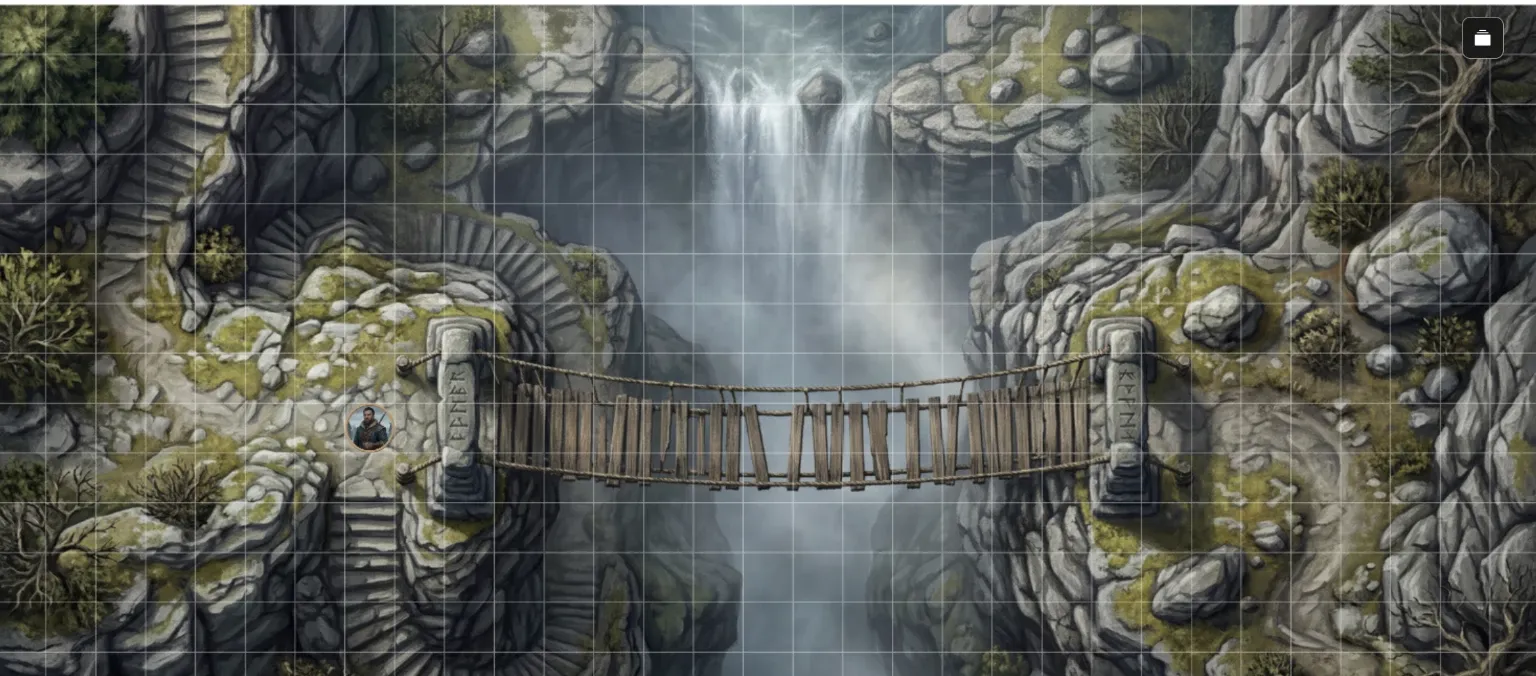
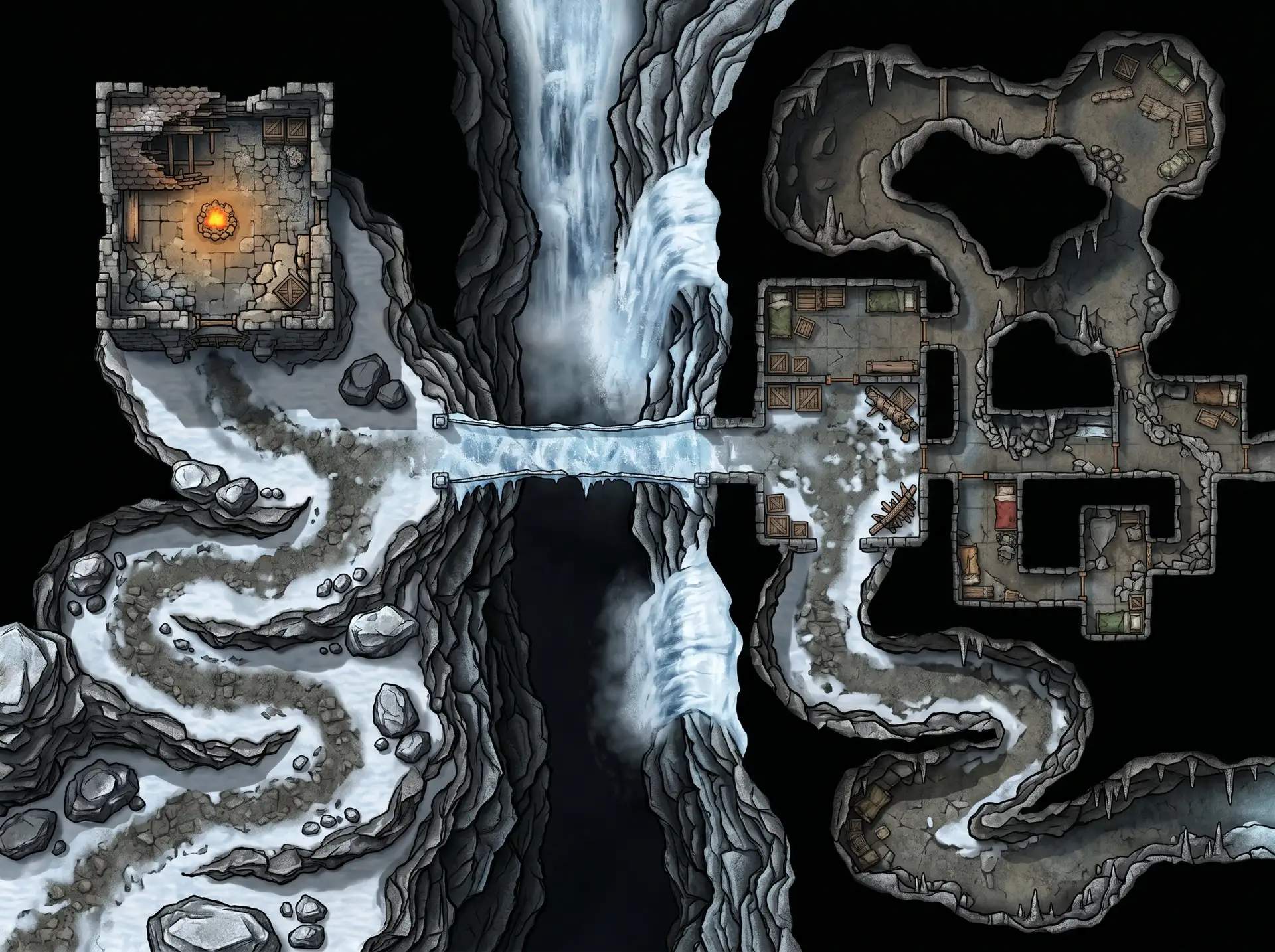
A NeedAMap map has no grid drawn on it, so the scale is yours to set, and the map already shows you where it sits. In D&D a square is 5 feet. Find something with a known size, such as a doorway, a table or a cart, and size the grid so it covers the squares it would in play: a doorway one square wide, a long table about two.
Measure that object in pixels and the math is done. If a doorway on a 2400-pixel map spans 120 pixels, each square is 120 pixels and the map is 20 squares across. Set your tabletop’s grid to that and drop a one-square token beside the door. If the token looks too big for the room, add squares; if it looks lost, take some away.
What each map size gives you
NeedAMap makes every map in four shapes at three resolutions. 2K doubles each side of a 1K map, and 4K doubles it again.
- ◆Square: 1024, 2048 or 4096 pixels on a side
- ◆Wide: 1200 by 896, 2400 by 1792, or 4800 by 3584 pixels
- ◆Tall: 896 by 1200, 1792 by 2400, or 3584 by 4800 pixels
- ◆Cinematic: 1376 by 768, 2752 by 1536, or 5504 by 3072 pixels
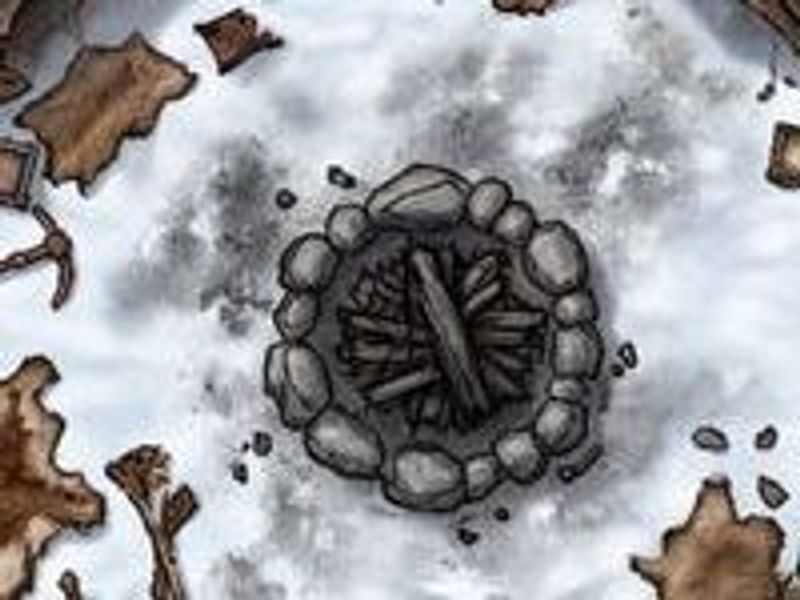
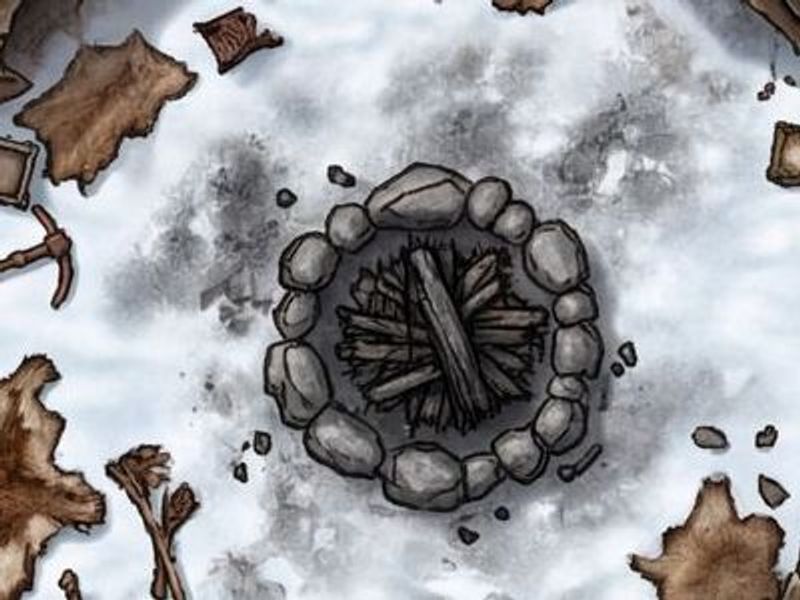
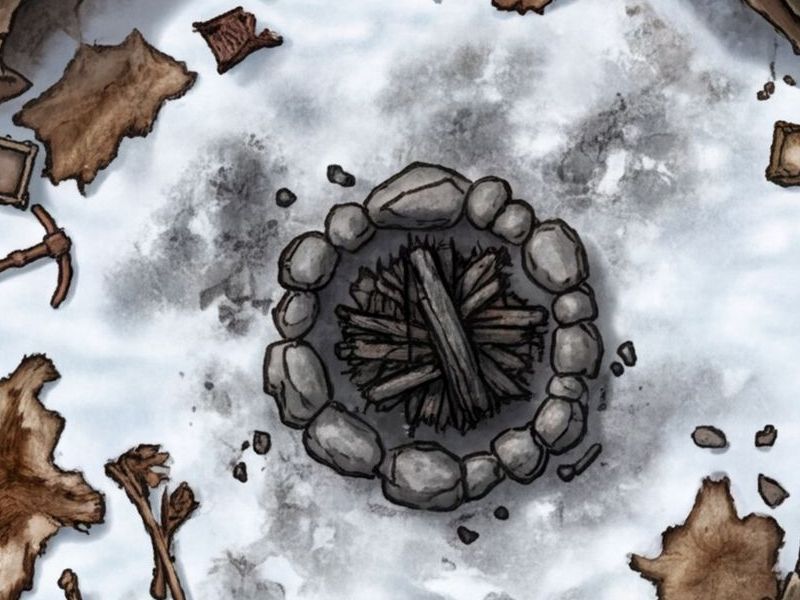
The more squares a scene spans, the fewer pixels each square gets, so pick the resolution by the size of the fight. 1K suits a single room or quick prep, 2K keeps an encounter sharp when players zoom in, and 4K carries a big battlefield, a TV display or a print. The close-ups below show one campfire from the same map at each resolution.
Print it at table scale
Printed battle mats use 1-inch squares, one for every 5 feet. At that scale the squares across your map set its print width, and the map’s pixels per square become its dots per inch. Print shops ask for 150 to 300 dots per inch, the high end for detail seen up close.
So the pixels decide how big a map can print and stay sharp. A 4K Wide map is 4800 pixels across: up to 32 inches wide at 150 dots per inch, or 16 inches at 300. A 4K Square map, 4096 pixels across, reaches about 27 inches at 150. To print the grid with it, draw the grid over the map in an image editor first, with the lines spaced at your pixels per square.
Every map fits every free plan
A NeedAMap download is a JPG of about 2MB at 2K and 4.5MB at 4K, well under the smallest upload limit in the table: 20MB on a free Roll20 account. Roll20 names JPG its preferred image format, and Foundry VTT, Alchemy and Fantasy Grounds all take it.
Storage is the number to watch on a free plan: Roll20 gives you 100MB in total, about twenty 4K maps, and Owlbear Rodeo 200MB, about forty. Foundry sets no limit, but every player downloads the map when the scene loads, so 2K for most scenes and 4K for the set piece keeps loading quick.
Related pages
- Battle maps for Roll20 page setup, the 70 and 140 numbers, and real screenshots.
- Battle maps for Foundry VTT grid size math and scene setup for Foundry.
- Battle maps for Owlbear Rodeo columns, rows, and the filename trick.
- VTT map maker what matters when any map goes on a virtual tabletop.
Common questions
As many squares as the scene needs, and the furniture tells you how many: a doorway covers about one square, a long table about two. In pixels, divide the map’s width by those squares and check the result against your tabletop: 70 or 140 on Roll20, 100 on Foundry VTT, 140 on Alchemy.
Roll20 draws 70 by default and recommends 140 for maps players zoom into. Foundry VTT defaults to 100 with a minimum of 50, and its docs say most maps use 70, 100, 140 or 200. Alchemy recommends 140 with a minimum of 70.
At 1-inch squares, dots per inch and pixels per square are the same number. Print shops ask for 150 to 300 dots per inch. A 4K Wide map, 4800 pixels across, prints up to 32 inches wide at 150 or 16 inches at 300.
Each square has too few pixels. A 2K map gives every square twice the pixels of a 1K map at the same scale, and 4K doubles them again. Roll20 recommends 140 pixels a square for maps players zoom into.
No grid lines are drawn on the image. Your tabletop overlays its own grid, so you set the square size once and nothing on the map fights it.
Your next map, ready for any grid
5 free maps, no credit card required.