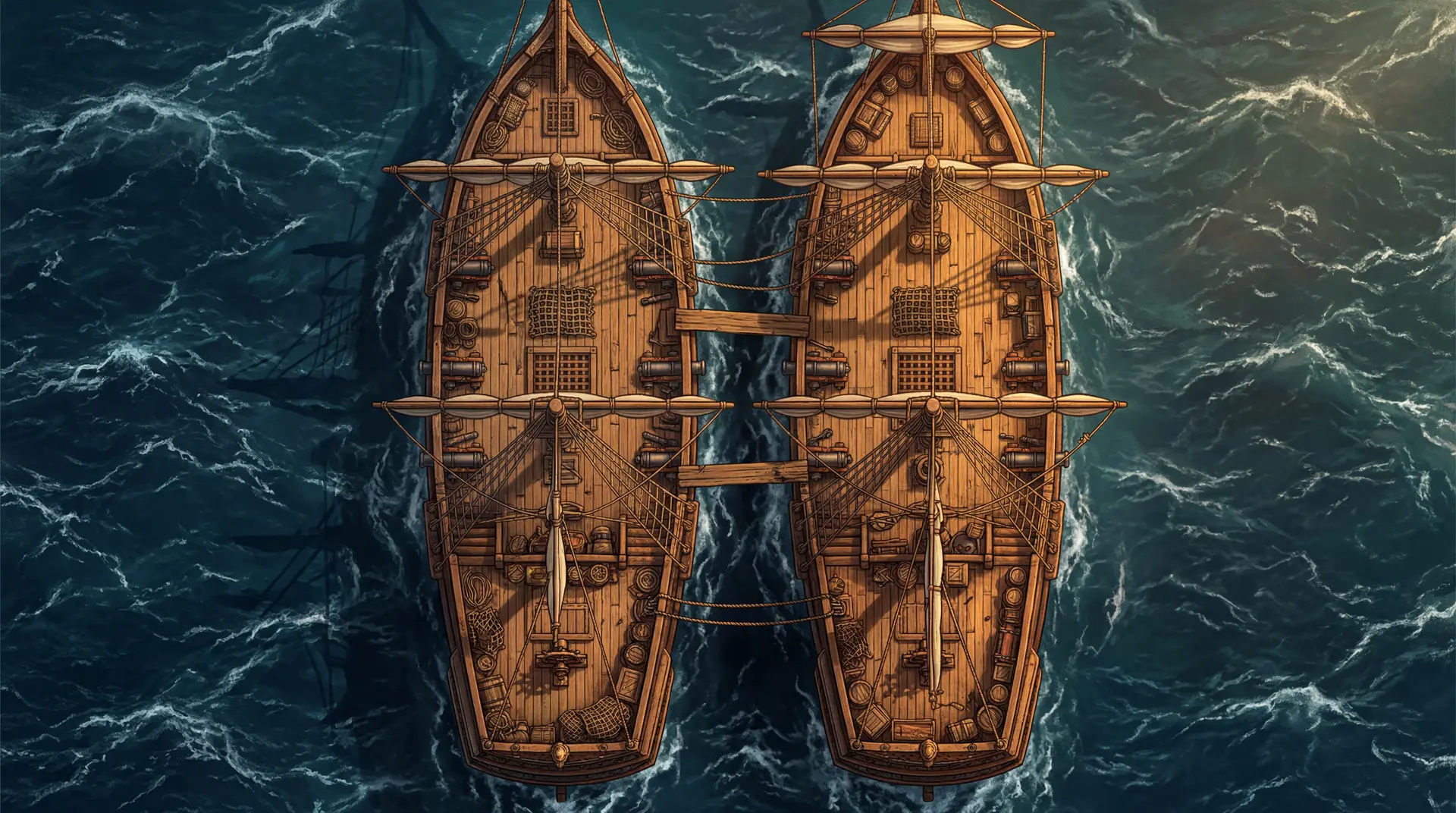
Describe your scene
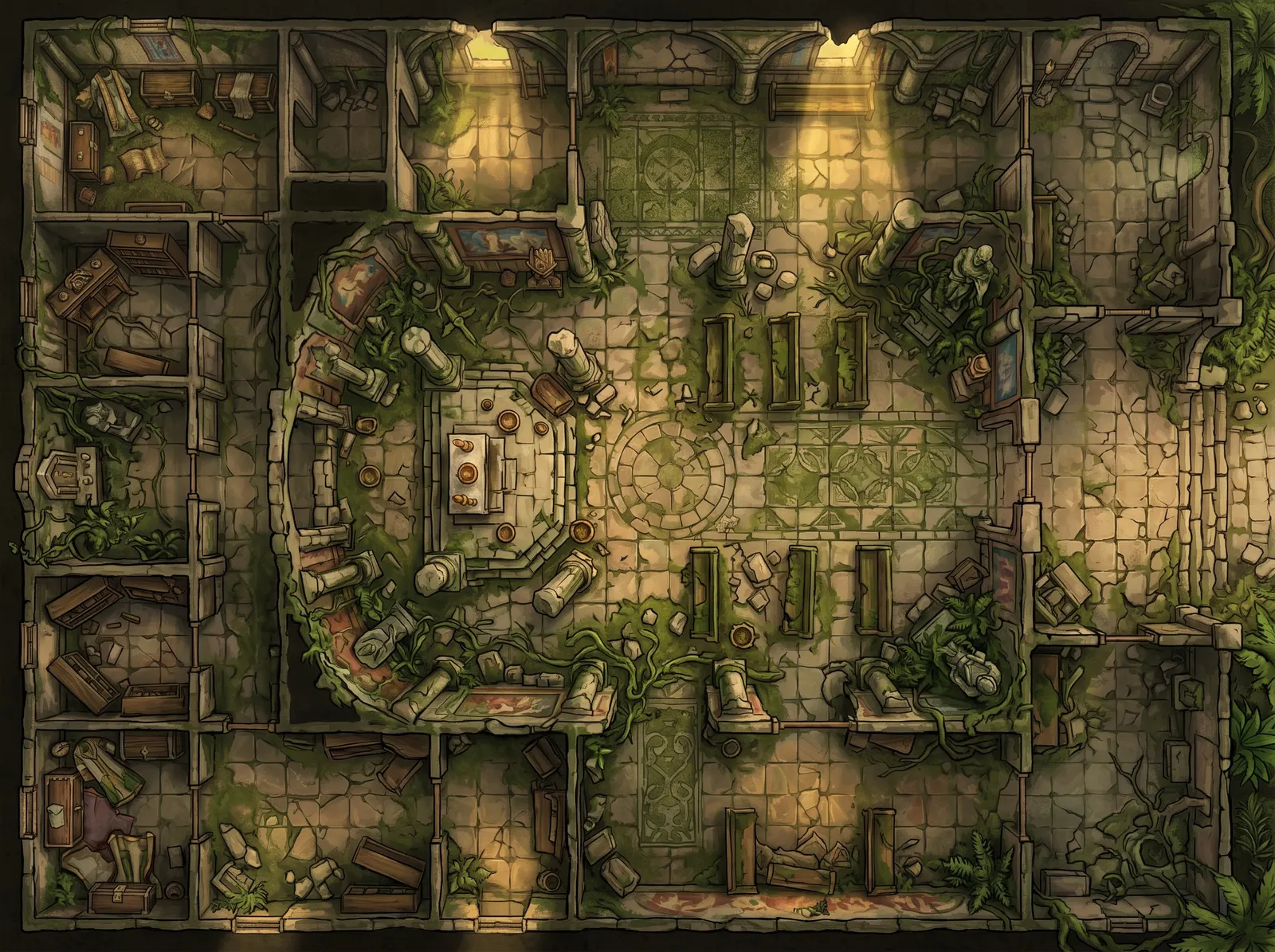
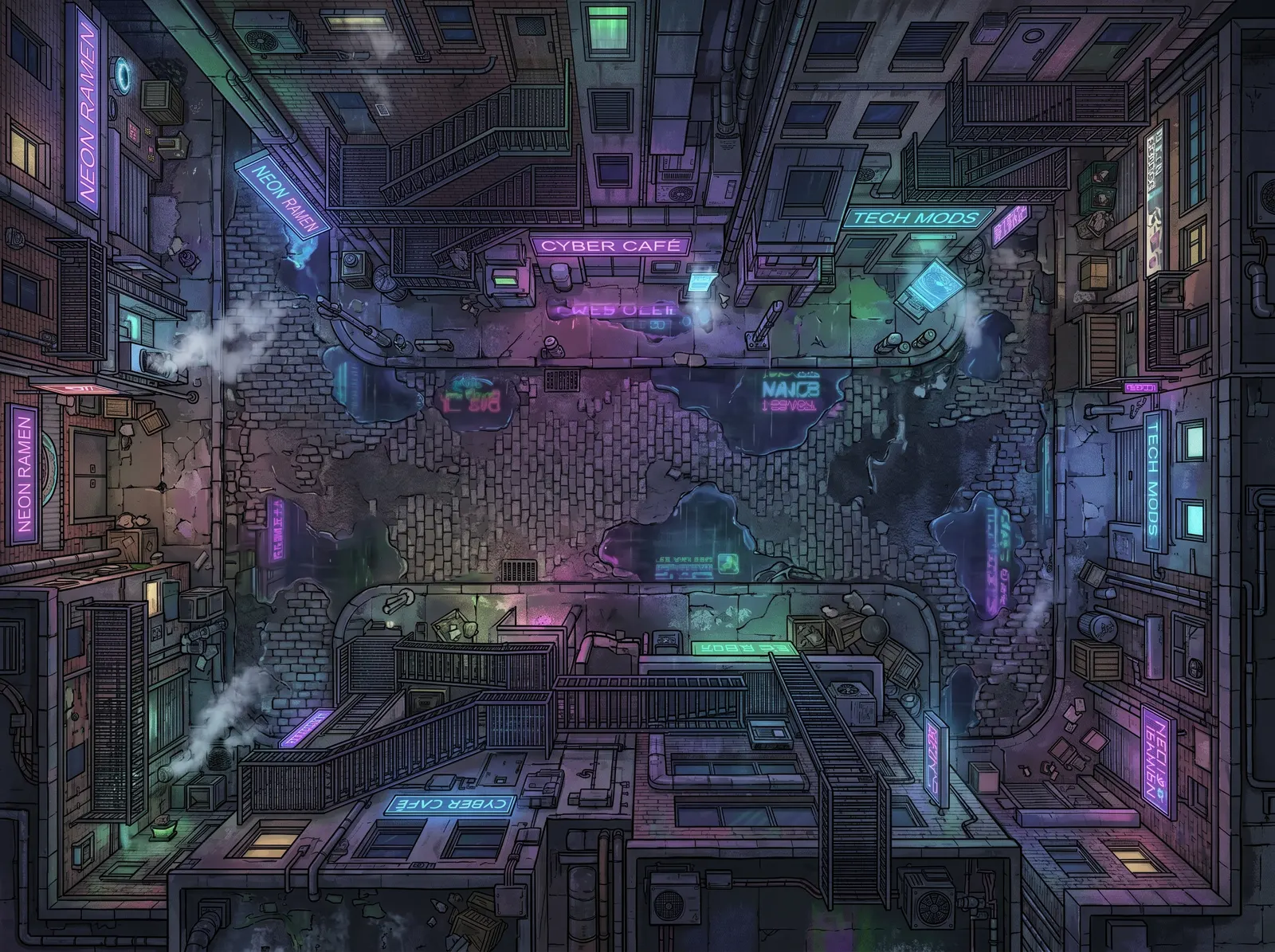
Type the scene the way you would narrate it to your players: a crumbling stone temple overrun by jungle vines, or a neon-lit back alley at midnight. One line is enough to start. Detail gives you control over what ends up on the map.
Name the place, then add two or three concrete details: cover, terrain, lighting. Perspective is handled for you. Or skip the writing and pick one of 60 scene starters to edit to taste.
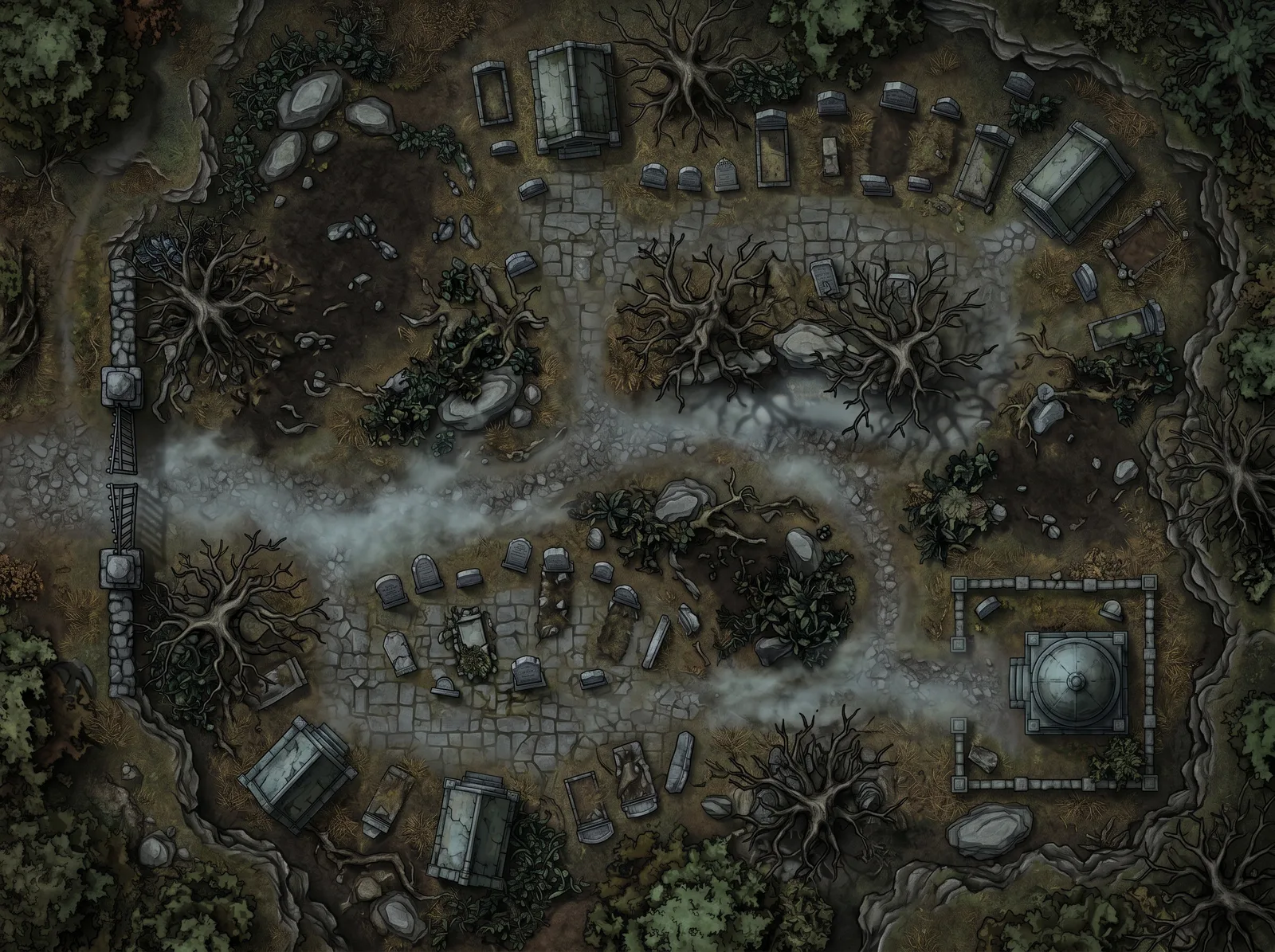
Running D&D? The D&D map generator page shows six dungeon and encounter maps with the descriptions that made them. Another system? Start at the TTRPG map maker.
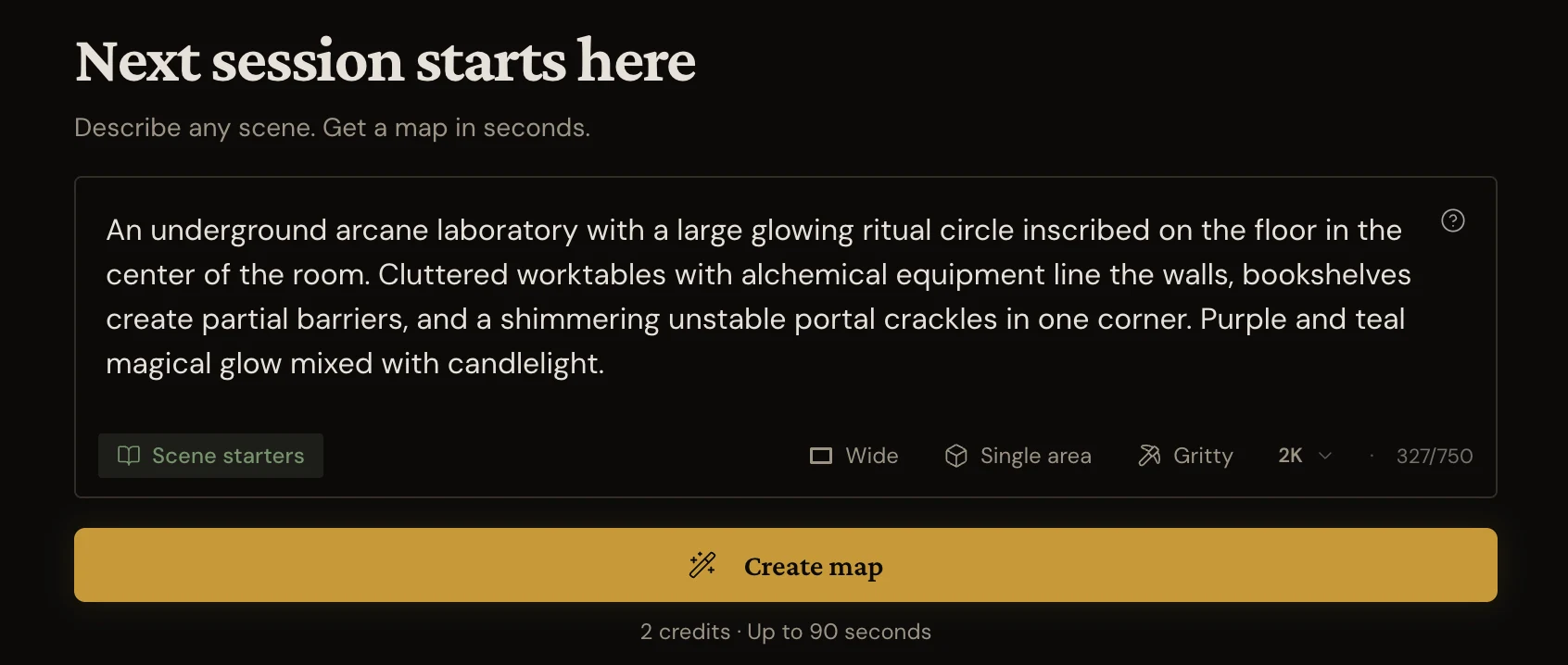
Shape it to your encounter
Match the map to the space you are running. A corridor fight wants Wide, a tower interior wants Tall, a set piece wants Cinematic. Choose Single area or Multi-room, pick Painted, Gritty, or Ink, then set the resolution: 1K for quick prep, 2K for most virtual tabletops, 4K for big displays and print.
Not sure which shape or resolution your table needs? The VTT map maker page walks through it.
Aspect ratio
Corridors, streets, encounters that flow left to right.
Scope
One room or space, one encounter.
Style
Vibrant illustrated color. The classic look.
Resolution
Session-ready detail. 2 credits.
The same controls you’ll use in the app. Go ahead, click around.
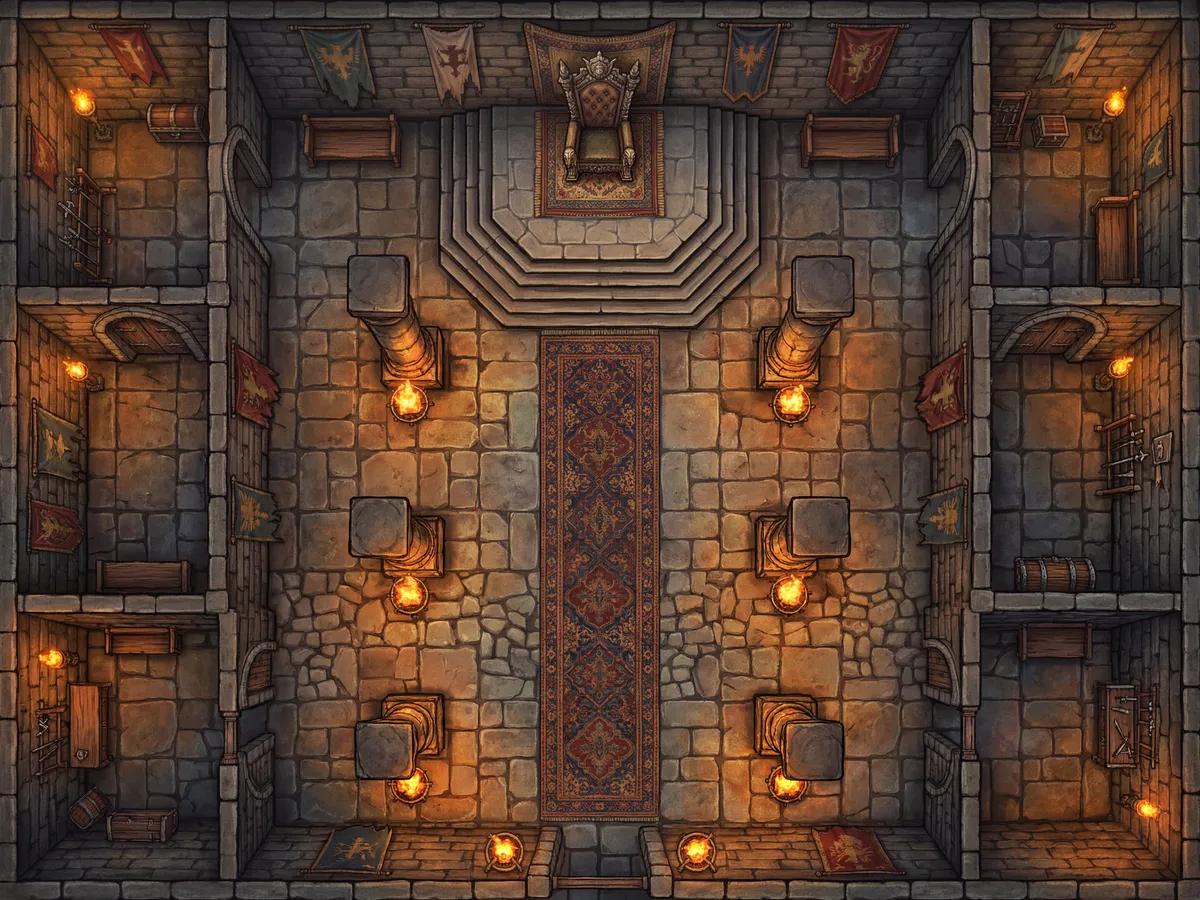
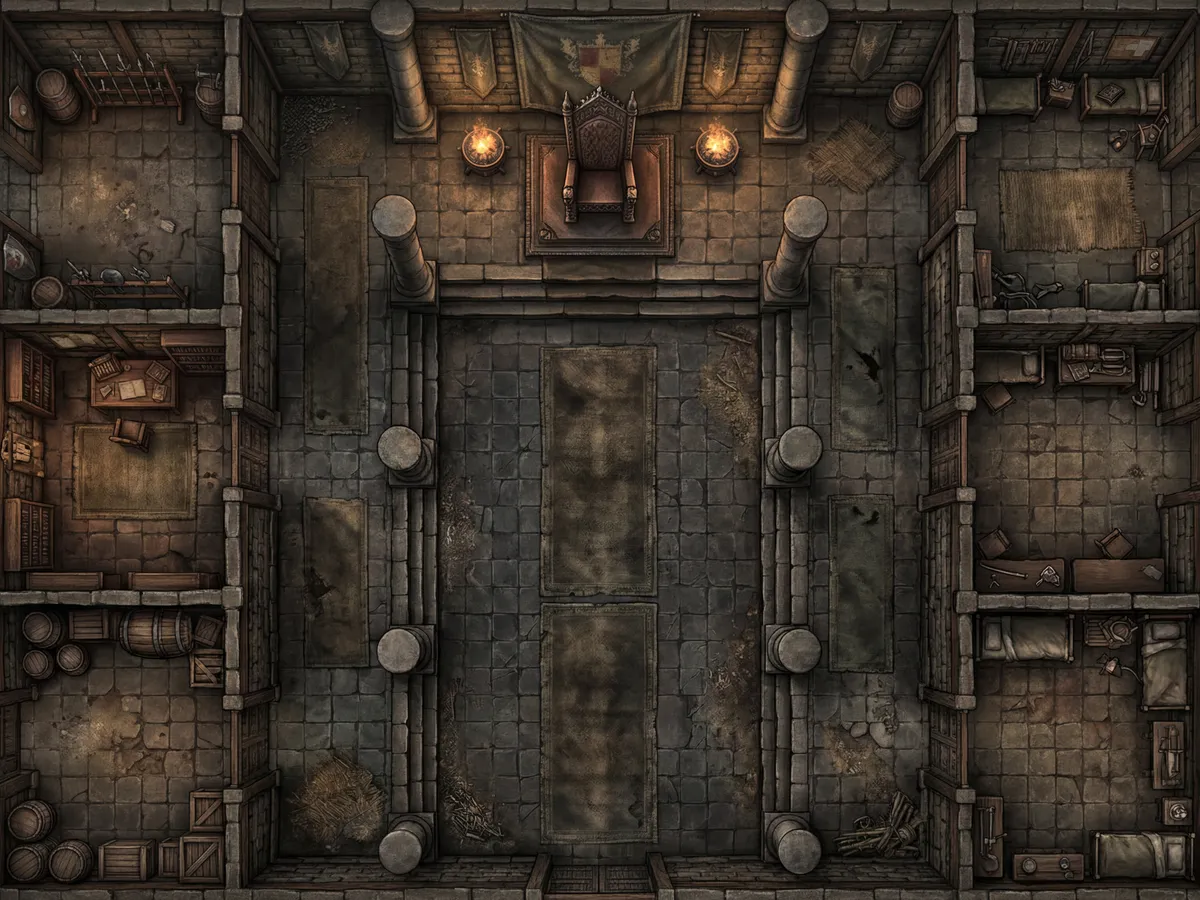
One scene, three styles
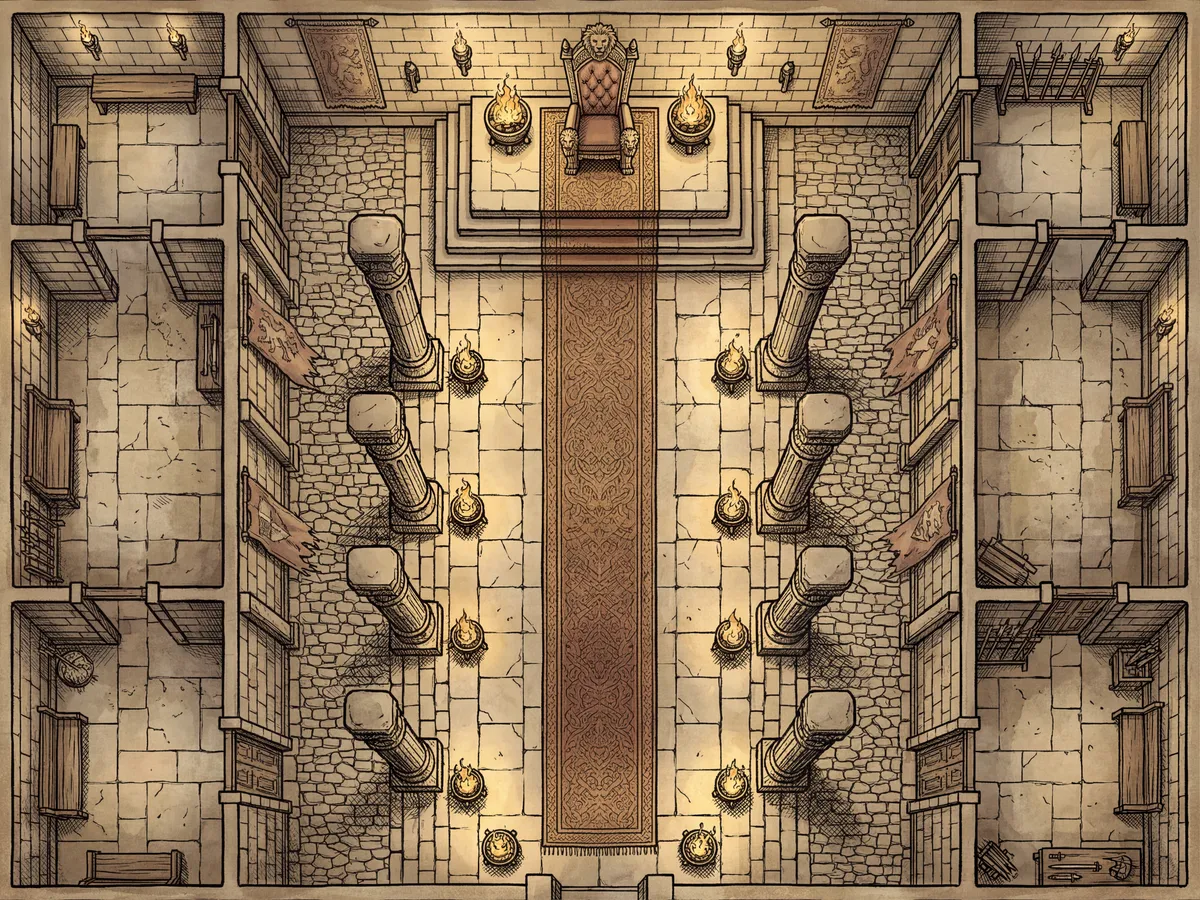
The same throne room in each style.
Vibrant illustrated color. The classic look.
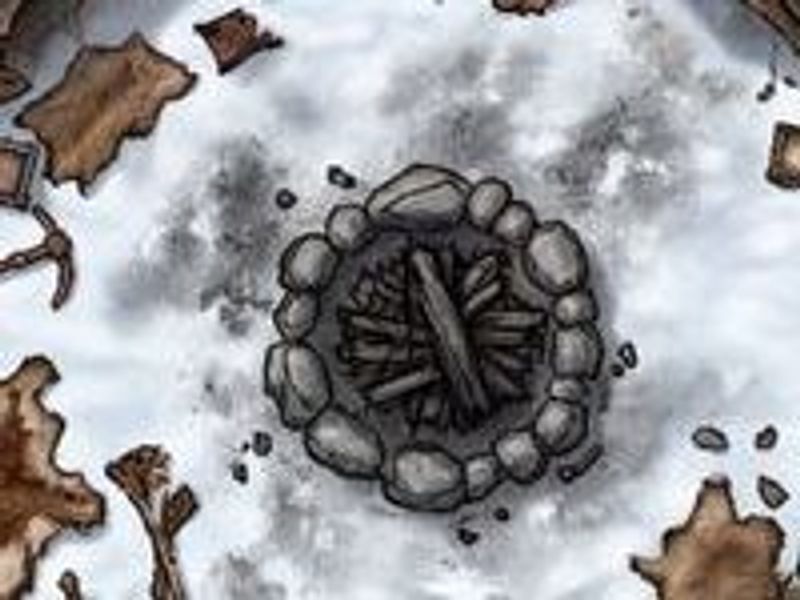
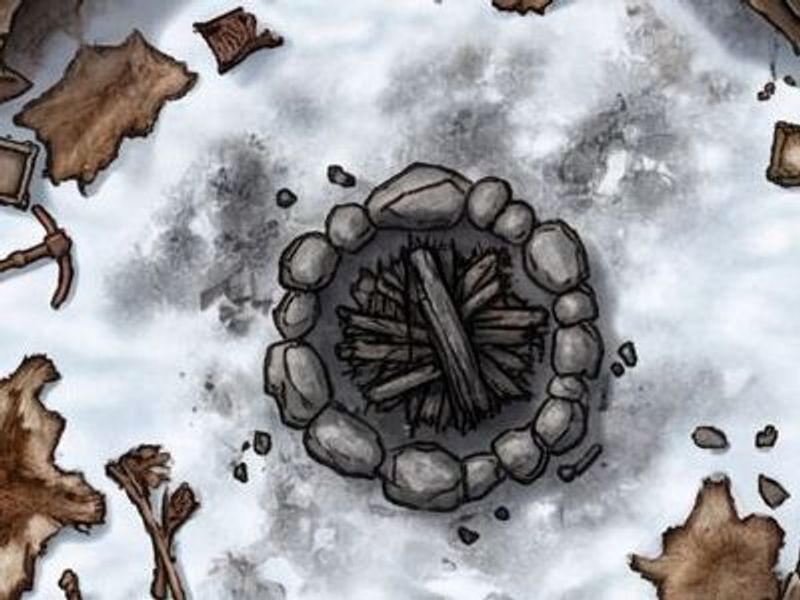
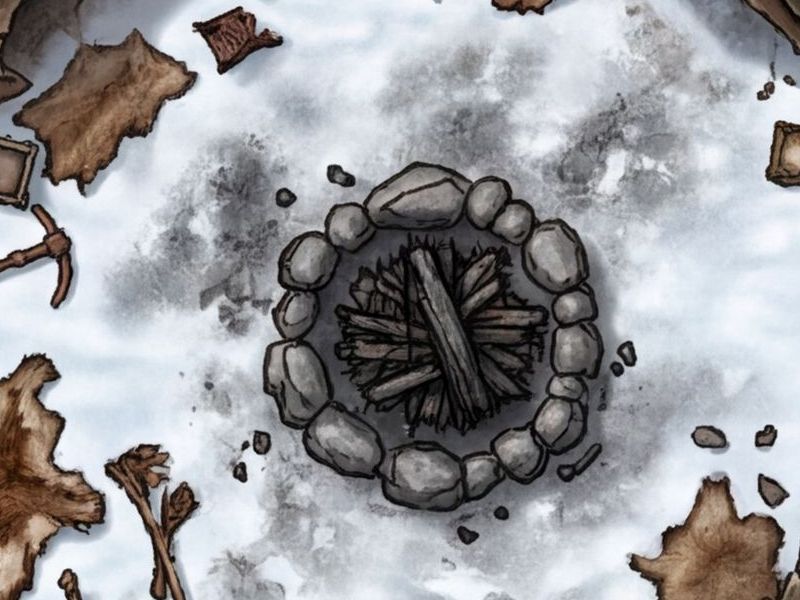
Resolution, up close
The same map exported at each resolution, zoomed to a single room.
2 credits. Session-ready, and above the grid detail Roll20 recommends.
Get your map in under a minute
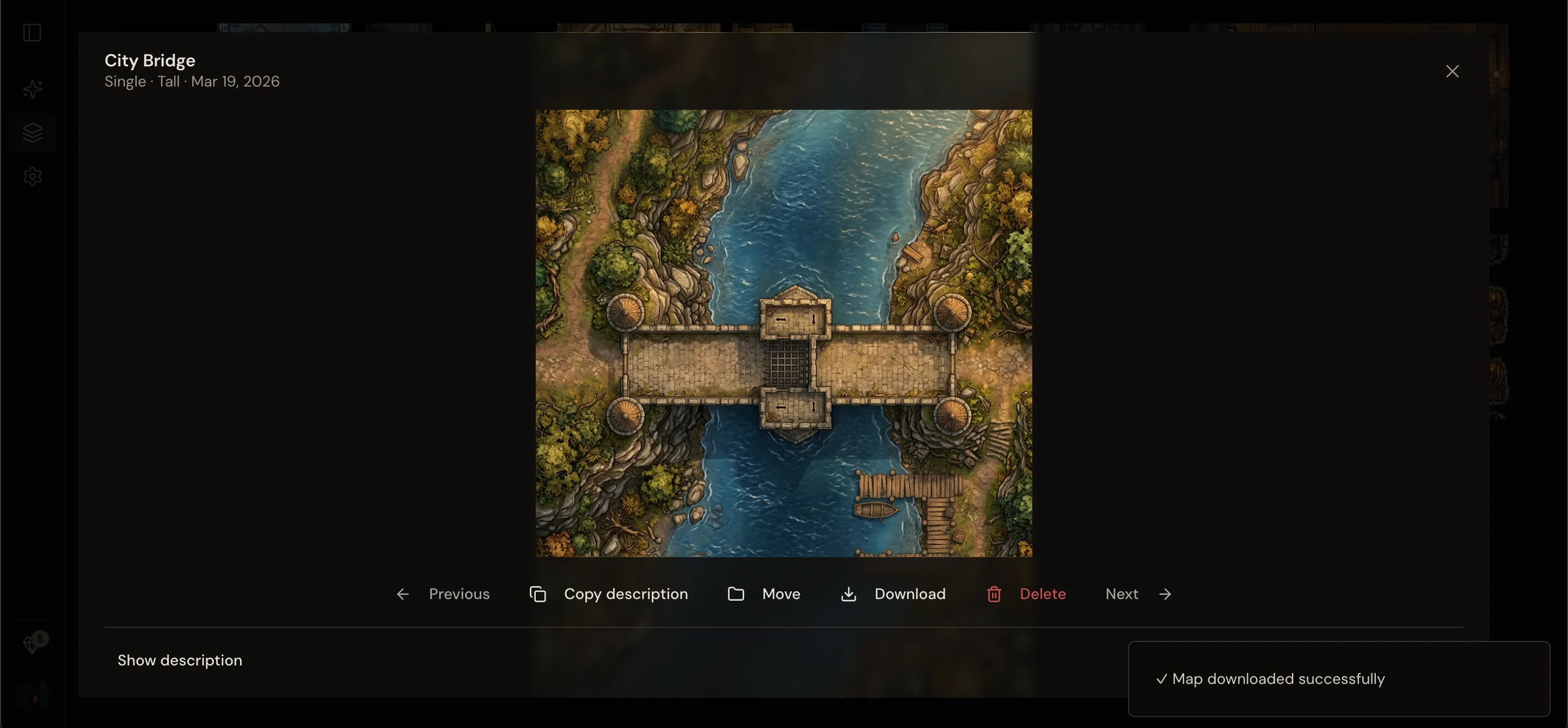
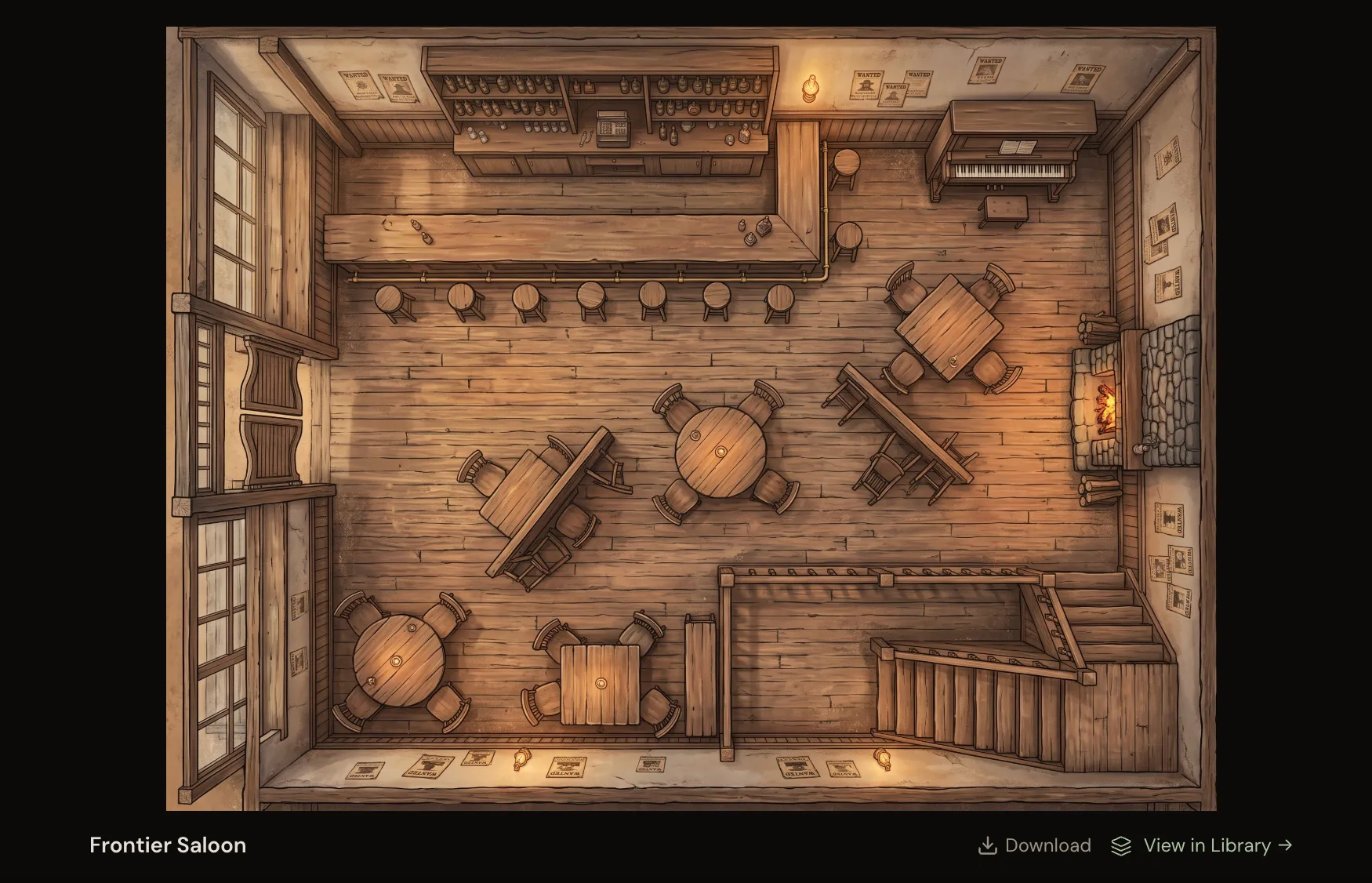
Most maps land in under a minute. What comes back is a finished, high-resolution, top-down map, saved to your library and yours to keep and reuse across campaigns. If a generation fails, the credits come back automatically.
Drop it into your VTT
Download the image and drag it onto your Roll20, Foundry VTT, or Owlbear Rodeo page, or into any virtual tabletop that accepts image imports. It’s a standard image, so there’s nothing to convert or install. Line the grid up once and you’re ready to run.