How the maps are made, what they cost, how they land on your virtual tabletop, and what you can do with them.
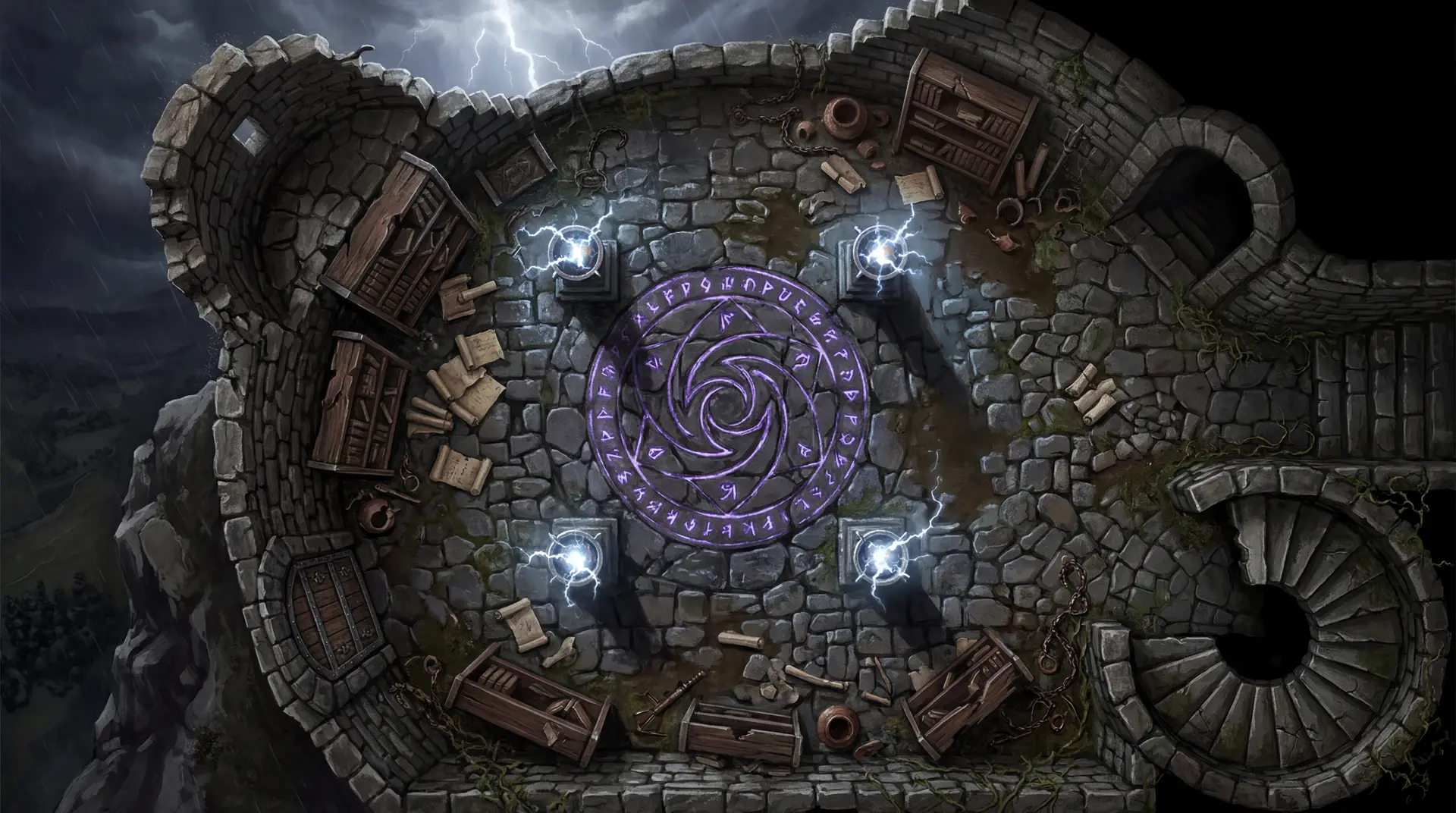
NeedAMap is a map creation tool for tabletop RPG game masters. Describe a scene, a flooded crypt, a dockside tavern, a derelict space station, and a high-resolution, VTT-ready map comes back in under a minute. It works for any genre and any system: the D&D map generator and TTRPG map maker pages show what that looks like.
Sign up free, type a description of the scene, pick a shape, resolution, and style, and press Create. The map lands in your library in under a minute, ready to download. The walkthrough shows every control.
A sentence works, and more detail gives you more control. “Warm medieval tavern, hearth, tables, barrel-lined bar, balcony stairs, candlelight” made the tavern on the examples page. Longer descriptions with cover, terrain, and lighting are followed just as closely: every map on this site sits next to the exact words that made it.
No. If you can describe a scene to your players, you can make a map.
Fantasy, sci-fi, horror, modern, and western are the core five, plus cyberpunk, steampunk, post-apocalyptic, and anything else you can describe. Scenes run from a single room to a dockside village: dungeons, taverns, wilderness, streets, ships, stations, manors, and more.
Under a minute for most maps. 1K is the fastest and 4K takes a little longer. You see progress while it works.
The credit comes back automatically and you can try again. You are never charged for a map you did not get.
Yes to start. You get 5 free maps at 1K resolution when you sign up, with no credit card, and those credits never expire. Plans start at $4 when you want more maps or higher resolution.
A 1K map costs 1 credit, 2K costs 2, and 4K costs 4. The monthly plan is $4 for 15 credits and unlocks 2K and 4K. A $3 credit pack adds 10 credits that never expire and works on any tier.
The subscription suits regular play: 15 credits a month, rolling over up to 30 while you stay subscribed, with 2K and 4K unlocked. Packs suit occasional maps or a top-up before a big session: 10 credits, one payment, no expiry, and they keep working if you cancel.
Signup credits and pack credits never expire. Plan credits roll over while you are subscribed, up to 30 at a time, and each monthly grant lasts up to three months. If you cancel, remaining plan credits stay usable at 1K for 14 days after your billing period ends.
Yes, from Settings. You keep full access to the end of the billing period, and remaining plan credits stay usable at 1K for 14 days after that.
All major credit and debit cards through Stripe, plus Apple Pay and Google Pay.
Prices are shown in USD before tax. Where VAT or sales tax applies, Stripe adds it at checkout, so you see the final amount before you pay.
Any VTT that accepts an image: Roll20, Foundry VTT, Owlbear Rodeo, Fantasy Grounds, Shmeppy, and more. Each map downloads as a standard high-resolution image, so there is nothing to convert or install. Sizing and setup guides: Roll20, Foundry VTT, Owlbear Rodeo.
Switch to the Map & Background layer, drag the image onto the page, and stretch it to fill the page size you set in squares. Roll20 drops images at native pixel size, so that resize is a normal step for every map. The Roll20 guide has the grid math and real screenshots.
Create a scene, choose the map as its Background Image, and set the grid size to the image width divided by the squares you want across. Foundry reads the dimensions itself. Details on the Foundry guide.
Rename the file with the grid you want, such as tavern-14x14.jpg, and add it as a scene. Owlbear reads the columns and rows from the filename, or you set them in the manual controls. Details on the Owlbear Rodeo guide.
2K for most sessions: about 146 pixels per square on a 14-square-wide scene, above the 140 Roll20 recommends for maps players zoom into. 1K works for quick prep, and 4K for print or set pieces. The VTT map maker page covers what matters on any tabletop.
No grid lines are drawn on the image. Every major VTT overlays its own grid, so you set the square size once and nothing on the map fights it.
About 1.2MB at 2K and about 4.5MB at 4K, as JPG. Both fit every Roll20, Foundry, and Owlbear Rodeo plan, including the free ones.
Yes. 4K is the print resolution: 4096 pixels across prints at about 27 inches wide at 150 dpi, plenty for a table mat.
Yes, on every tier including free. Published adventures, DMs Guild and Patreon content, streamed and recorded games, paid sessions, and printed products are all fine. No attribution required.
Maps you generate are yours to use however you like, on every tier. The terms spell it out in plain language.
NeedAMap runs on the best image models available and re-benches every serious new release. Our engine turns your description into a top-down, gridless, character-free map at VTT resolution, so you describe the scene instead of learning to prompt.
General image tools make illustrations. NeedAMap’s engine is built for encounter maps: straight top-down, no perspective, no tokens or characters, no grid, at 1K, 2K, or 4K. You get a map you can play on without post-processing.
Change the description and generate again. Each generation is a new map in your library, so you keep the one that works and describe the next room.
Those are drawing tools: you place every asset by hand. NeedAMap draws the scene from your description. The best battle map makers roundup compares ten tools, and each comparison page, starting with Inkarnate, states prices, licenses, and when the other tool fits.