Describe the scene, download the map, and set it as a Foundry scene background. Foundry reads the size, you set the grid.
Foundry Virtual Tabletop is the self-hosted VTT: the game master buys a $50 perpetual license, runs the server on their own machine or with a hosting partner, and any number of players join for free. A Foundry scene is a background image with the grid, walls, lighting, and tokens layered on top, and Foundry reads the scene’s dimensions from the image itself. NeedAMap makes the image: describe the scene, and a gridless high-resolution map comes back in under a minute, ready to be set as a background at whatever grid size the scene needs.
Maps from the NeedAMap library, each with the exact description typed into NeedAMap to make it.
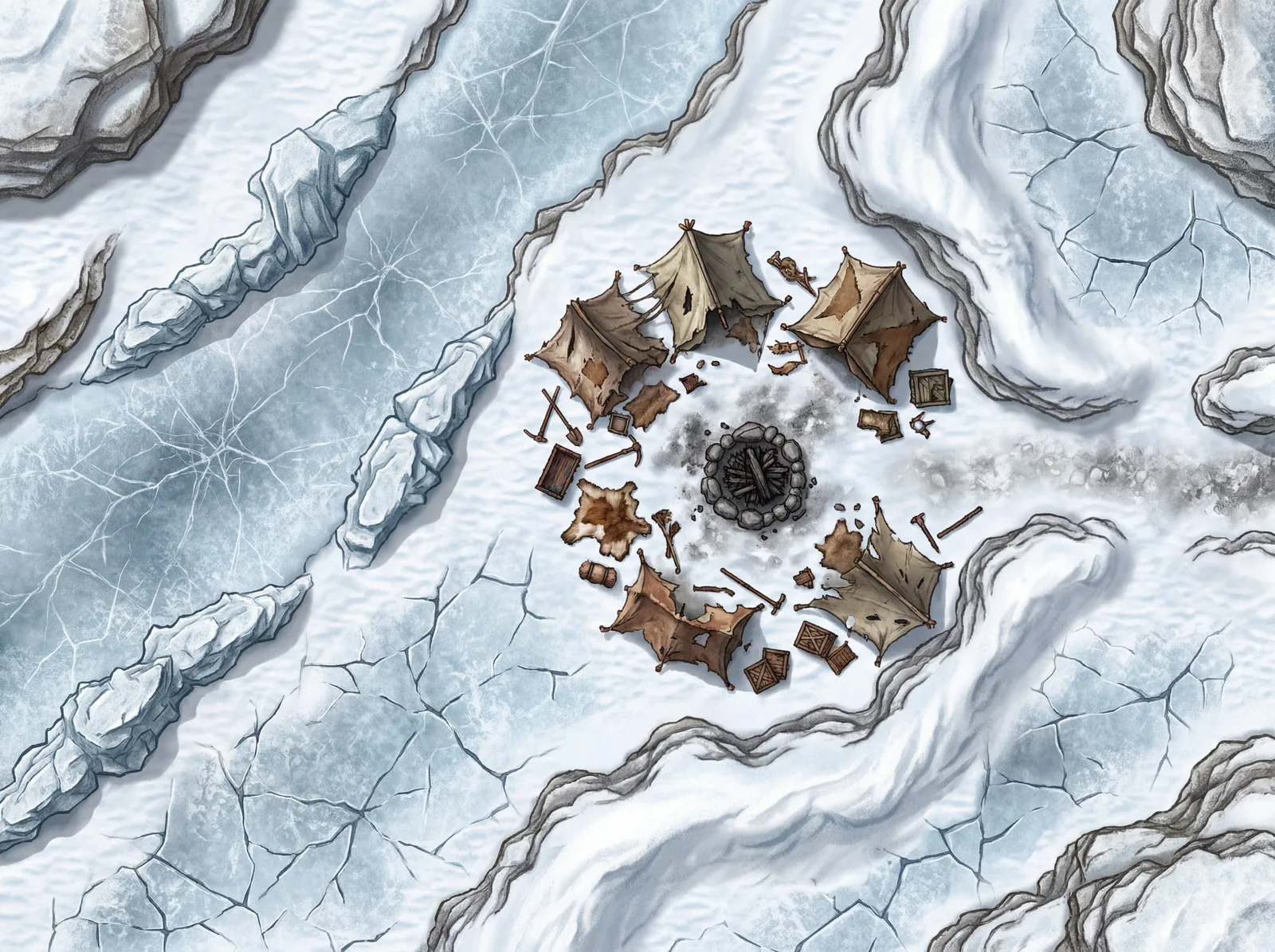
The description
“A frozen tundra with cracked ice sheets, snowdrifts creating natural barriers, and the remains of an abandoned campsite with collapsed tents and a dead campfire. A frozen river cuts across one side with thin ice marked by cracks, and jagged ice formations offer cover. Overcast pale light, icy blues and whites with grey shadows.”
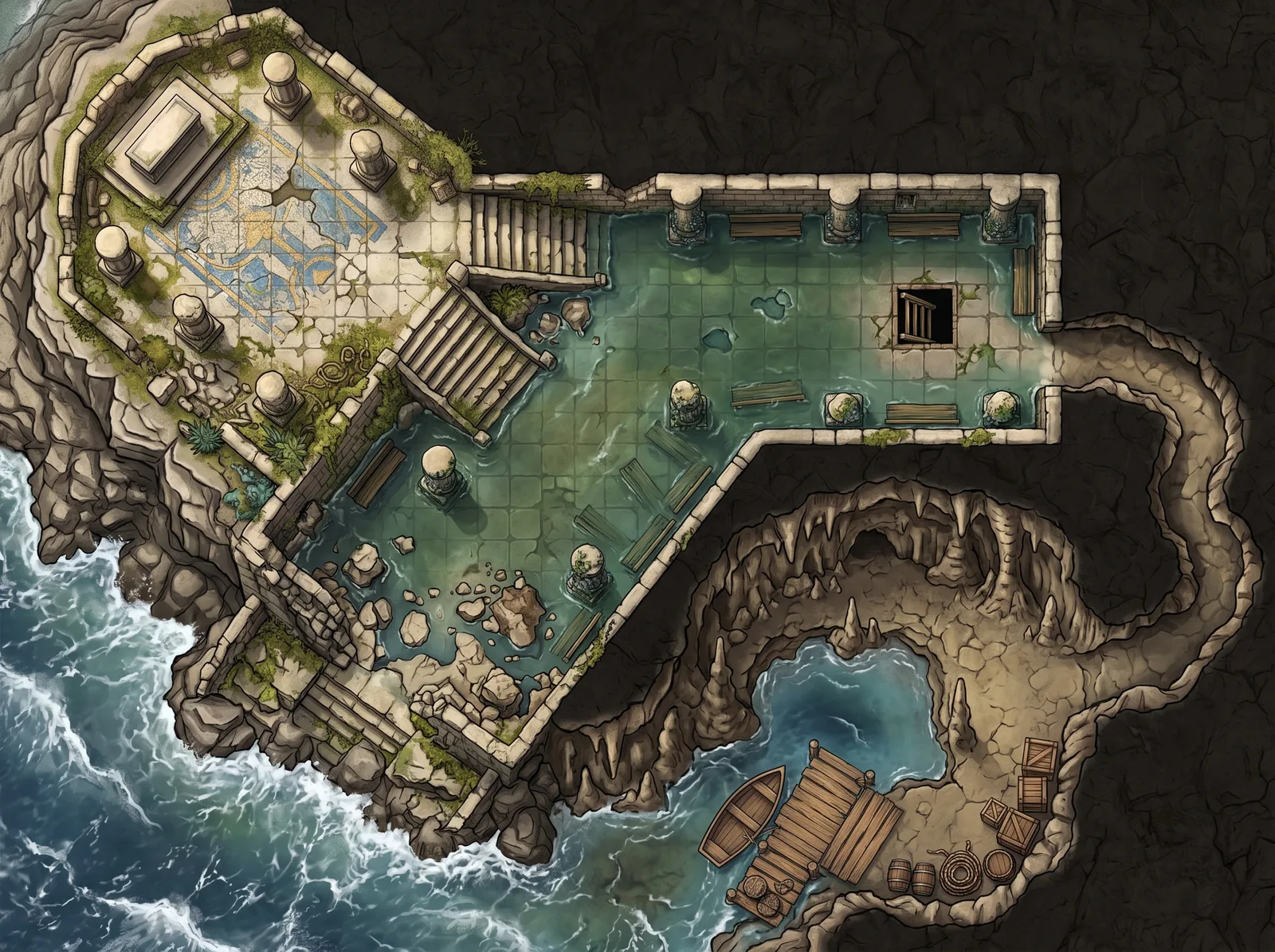
The description
“A cliffside temple complex built into a rocky coastline with three connected areas. The upper terrace is an open-air shrine with stone pillars, a ceremonial altar, and a cracked mosaic floor overlooking the ocean. A carved stone stairway descends to the middle level, a partially flooded meditation hall with ankle-deep tidal water, submerged benches, barnacle-covered columns, and a collapsed wall open to the sea. Below that, a hidden sea cave accessible through a hole in the meditation hall floor, with a smuggler’s dock, rowboat, stacked crates, and a secret tunnel leading inland.”
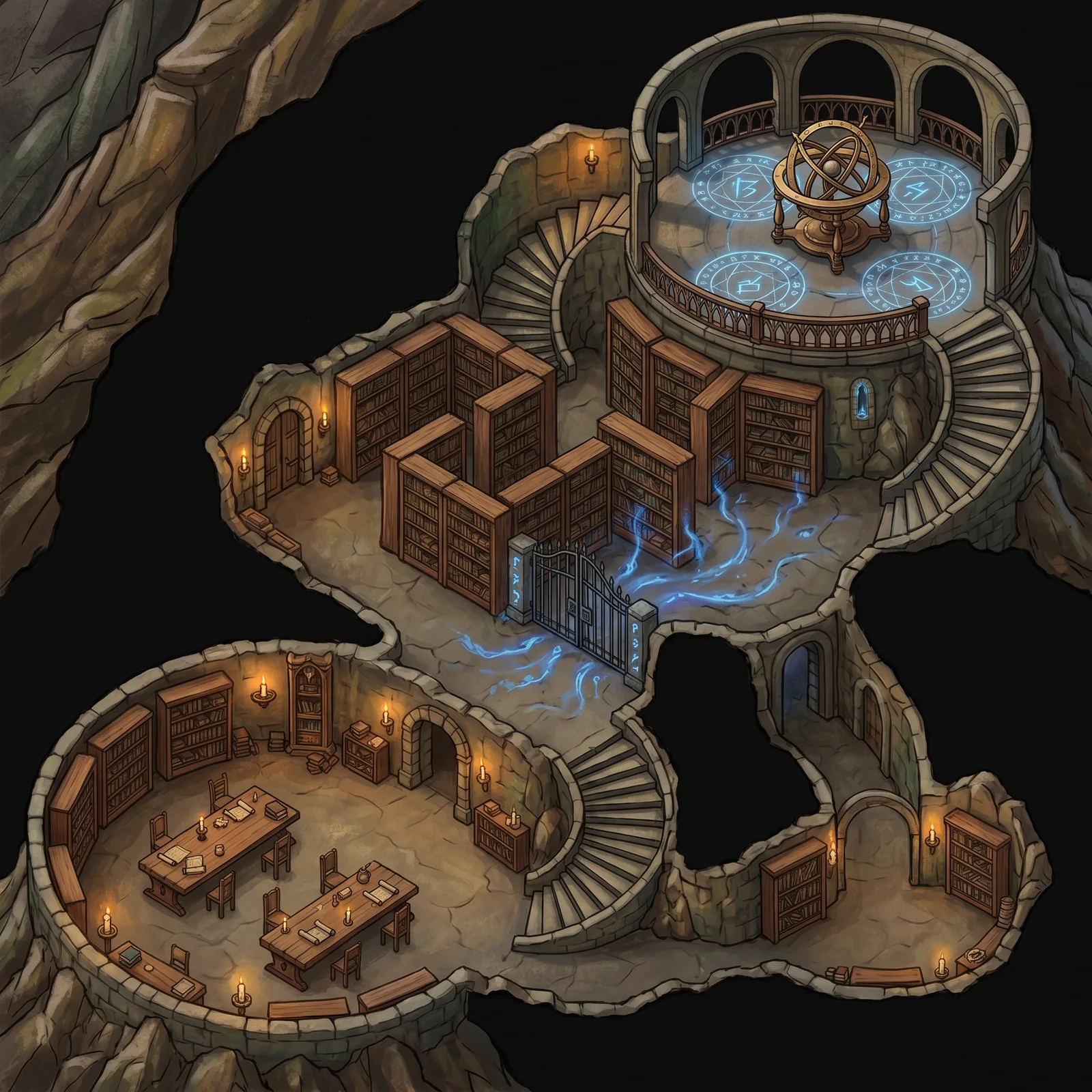
The description
“A vast arcane library carved into a mountainside, three connected levels joined by spiraling stone staircases. The lower level is a reading hall with long tables and scattered scrolls. The middle level has towering bookshelves forming narrow aisles with a locked restricted section behind an iron gate. The upper level is an open observatory with an astrolabe, glowing runic circles on the floor, and a balcony overlooking the reading hall below. Warm candlelight throughout, with pulsing blue arcane energy leaking from the restricted section.”
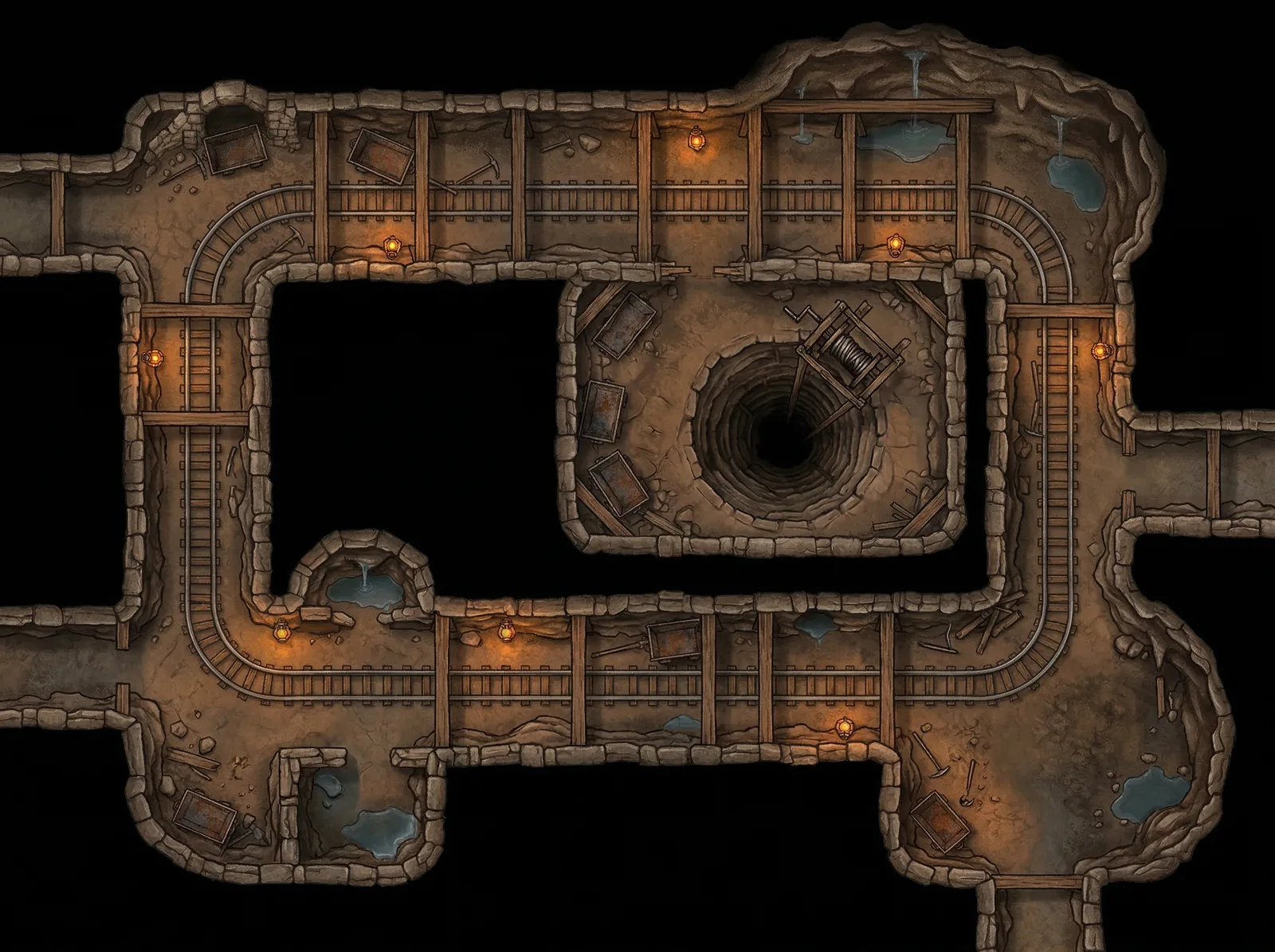
The description
“Top-down battle map of an abandoned dwarven mine with iron rail tracks running through carved stone tunnels connecting two chamber areas. Overturned ore carts block some passages, timber support beams create a grid pattern overhead, and a deep vertical mine shaft with a broken winch sits in the main chamber. Dim lantern light along the tracks fading to darkness at tunnel edges, earthy brown and grey stone tones, fantasy illustration style with rich colors, no characters or creatures present.”
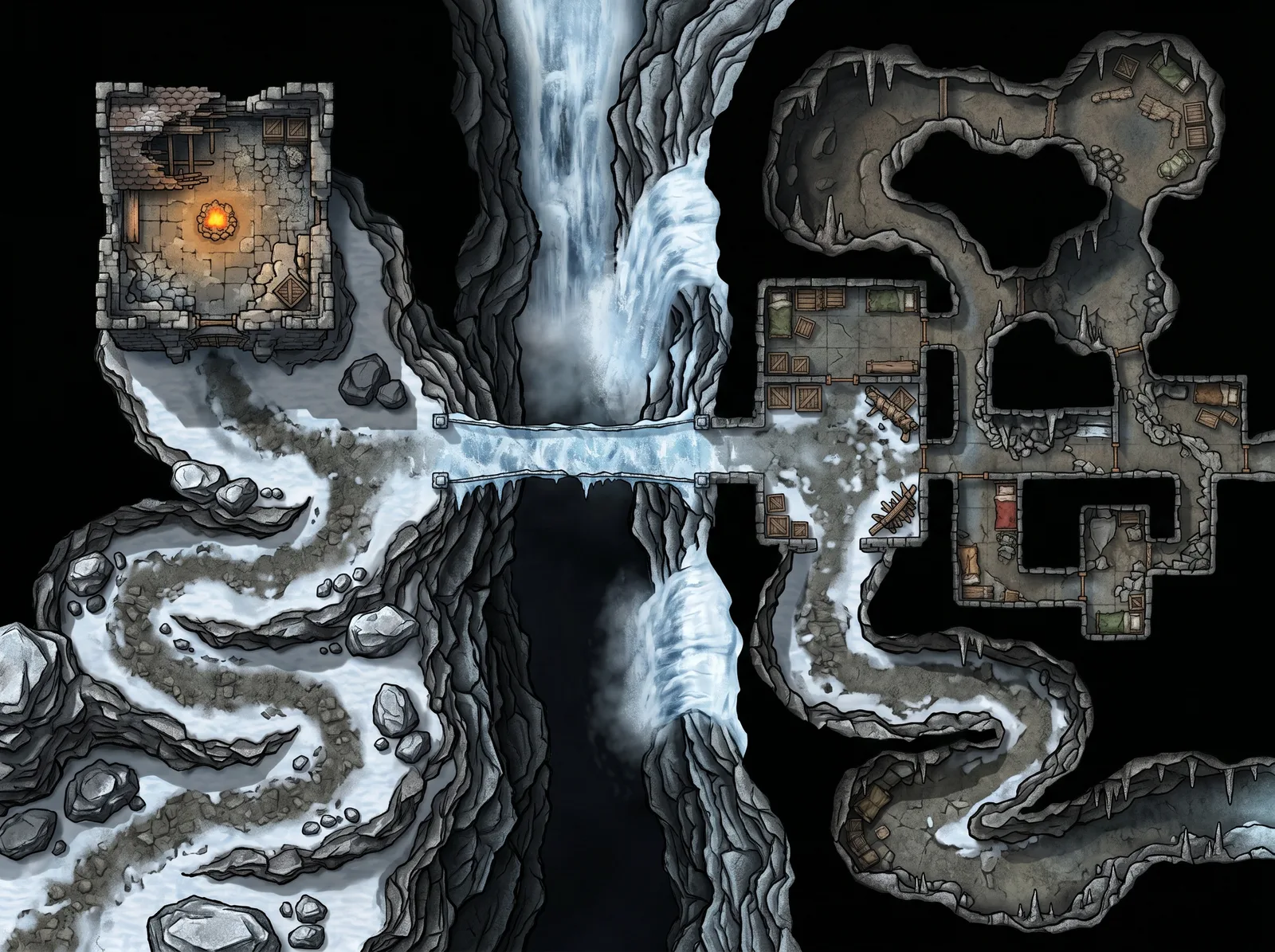
The description
“A treacherous mountain pass in winter connecting two fortified outposts. The western outpost is a crumbling stone watchtower with a collapsed roof and campfire inside. A narrow ice-covered bridge spans a deep gorge in the center, with a frozen waterfall on one side. The eastern outpost is a carved-out cave shelter with supply crates, bedrolls, and a makeshift barricade. Rocky switchback paths lead up from both sides, with scattered boulders providing ambush cover along the route.”
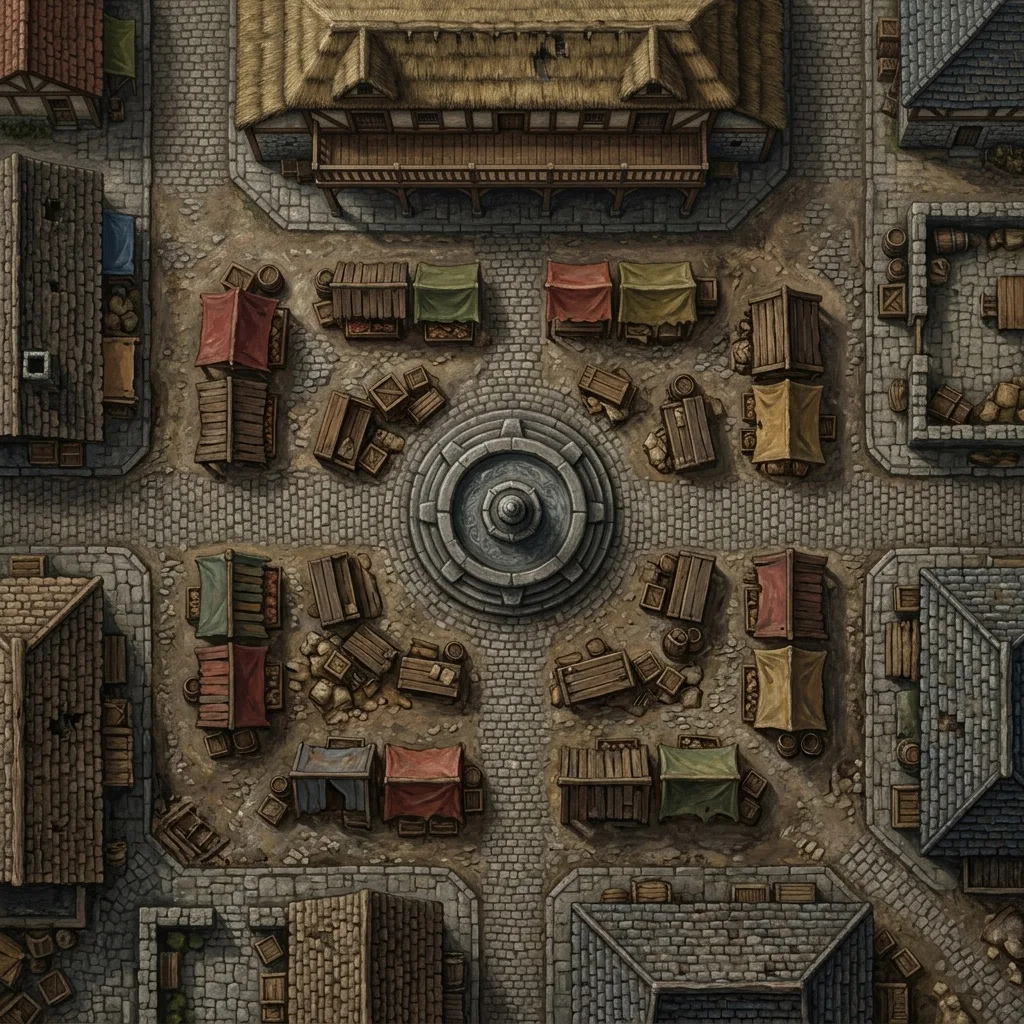
The description
“A medieval town market square with wooden merchant stalls arranged in rows, a large stone fountain in the center, and cobblestone streets leading out in four directions. Overturned crates and barrels provide improvised cover, and a two-story building with a balcony overlooks the square. Bright daylight with colorful awnings and warm sandstone buildings.”
What a GM does between sessions, and where the scenes come from.
Most sessions come down to two to four places the party will stand: the pass where the ambush waits, the library where the answer is, the mine under the town. Those are the scenes you need. The rest can stay theater of the mind.
Write it the way you’d narrate it: the space, what’s in it, where the light comes from. Pick Wide for the pass, Square for the library, Multi-room for a temple with three levels, and 2K or 4K depending on how far your players zoom. Three scenes is a few minutes of prep.
Make a new Scene, choose the map as its Background Image, and let Foundry fill in the dimensions. Set Grid Size to the image width divided by the squares you want across, draw walls and lights on the scene’s layers, and drop tokens in from the Actors directory.
Activate the scene when the party arrives, let fog of exploration reveal it as they move, and switch scenes from the navigation bar as the night goes on. Every map stays in your NeedAMap library for the next time the road runs through that pass.
If you searched for foundry grid size, the numbers are 100 and 50. Foundry draws its grid at 100 pixels per square by default, enforces a minimum of 50, and most published maps use 70, 100, 140, or 200. The number to decide is how many squares wide your scene is, because the grid size is the image width divided by that count.
A 2K map is 2048 pixels across. Run it as a 14-square-wide scene and each square is about 146 pixels, comfortably above the default and sharp when players zoom in. Leave the default 100 and the same image becomes a 20-square scene, which suits a larger battlefield with smaller rooms. A 1K map at 100 pixels per square gives you about 10 squares, right for a single room or a quick prep session.
Foundry reads the image’s pixel dimensions as the scene size, so a 2K map makes a 2048-pixel-wide scene with nothing to stretch. The grid size is the only decision: 146 for 14 squares across, 100 for about 20. Once it is set, the default one-square token is the right size on the map.
Foundry reads the image dimensions itself, so setup comes down to choosing a grid size.
Foundry accepts .avif, .jpg, .jpeg, .png, .svg, and .webp, and its own guidance calls WebP the best quality-to-size format. NeedAMap downloads are JPGs of about 1.2MB at 2K and 4.5MB at 4K, which Foundry takes directly.
Foundry sets no file size limit on a scene, but every player downloads the background when the scene loads. On a self-hosted server, 2K for most scenes and 4K for the set piece keeps load times short.
The map is a plain background image, so Foundry’s walls, doors, and dynamic lighting go on top the way they would for any map. Because NeedAMap ships the image without grid lines, there is no printed grid for your scene grid to disagree with.
Shape matters as much as resolution. A corridor fight or a street chase wants a Wide map, a tower interior or a chasm descent wants Tall, and an arena or a single dungeon room sits naturally in Square. NeedAMap generates all of these, plus a Cinematic ratio for set-piece encounters, and Foundry sizes the scene to whichever you pick.
Foundry does not draw maps itself. Scenes come from premium adventure modules, community map packs, or your own files. If you run a published adventure, its module ships the scenes with walls and lights already placed. If the scene exists only in your notes, NeedAMap draws it from your description and you add the walls in a few minutes.
5 free maps
when you sign up, no credit card
Under a minute
from description to finished map
Credits come back
automatically if a generation fails
Commercial use
allowed on every tier, including free
Divide the image width by the number of squares you want across. A 2048-pixel map at 14 squares is 146 pixels per square; at Foundry’s default of 100 it becomes a 20-square scene. Foundry enforces a 50-pixel minimum, so a 1K map tops out at about 20 squares across.
Yes. When you pick the image as the scene background, Foundry fills in the scene dimensions from the image. If you change them and want to go back, clear both fields and save, and Foundry re-detects them.
No. One license hosts a server for any number of players, and they connect through the browser for free. The map is part of the scene they load.
Foundry sets none, but every player downloads the background when a scene loads. A 2K map is about 1.2MB and a 4K map about 4.5MB, so both load quickly.
Foundry recommends WebP for the best quality at the smallest size. NeedAMap downloads as JPG, which Foundry accepts directly, and converting to WebP is an optional step that shrinks the file further.
Yes. The map is a background image, so walls, doors, and lights go on the scene’s layers on top of it, the same as for any map.
5 free maps, no credit card required.
Notify me at launch