Battle maps for Owlbear Rodeo
aligned in one import

Describe the scene, download the map, and drop it into an Owlbear Rodeo scene. Set the columns, and the grid does the rest.

Owlbear Rodeo is the lightweight browser VTT: a free room takes a minute to create, players join by link with nothing to install, and the free Nestling plan gives you 200MB of storage, two rooms, and the full toolset including dynamic lighting and extensions, before the $3.99 Fledgling plan lifts storage to 5GB and rooms to ten. Owlbear thinks in columns and rows rather than pixels, detects the grid on most printed maps automatically, and offers alignment rulers for the rest. NeedAMap makes the map: describe the scene, and a gridless high-resolution image comes back in under a minute, ready to import at whatever column count the encounter needs.

Six maps built for an Owlbear Rodeo scene

Maps from the NeedAMap library, each with the exact description typed into NeedAMap to make it.
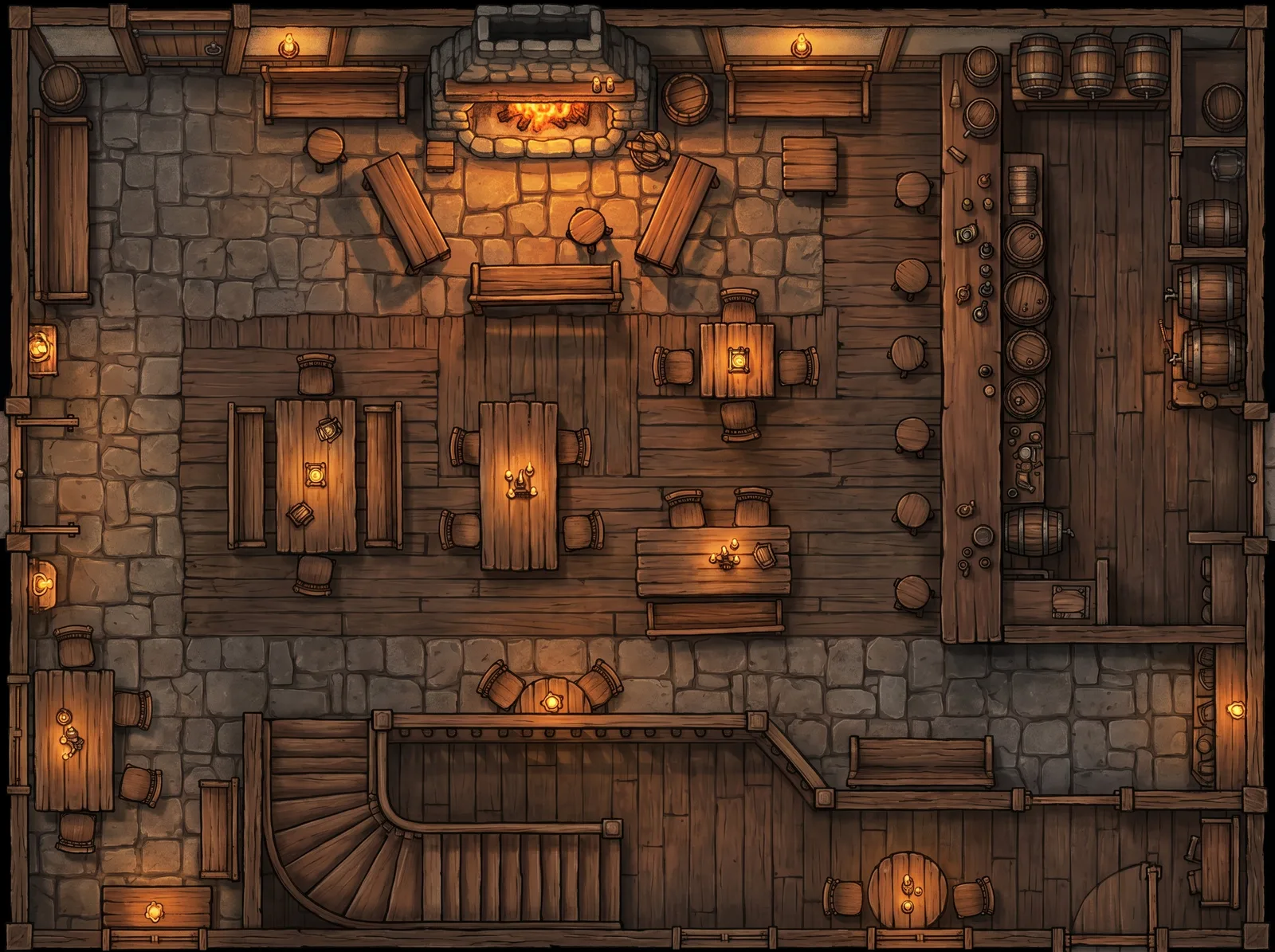
Warm medieval tavern interior with hearth and barrel-lined bar: battle map for an Owlbear Rodeo scene

Fantasy tavern

  • Wide
  • 2K
  • Painted

The description

“Warm medieval tavern, hearth, tables, barrel-lined bar, balcony stairs, candlelight”
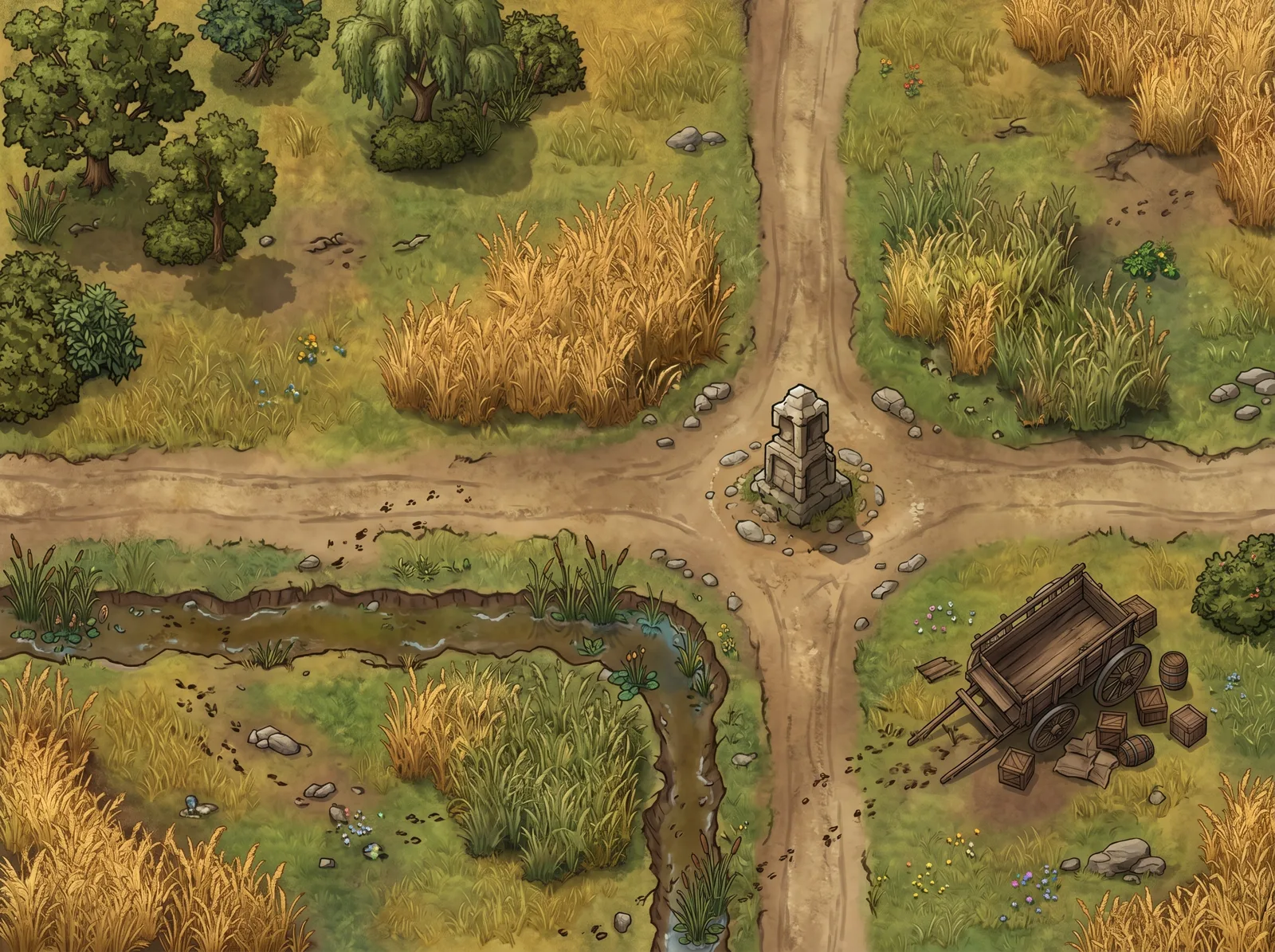
Grassland crossroads with a stone waystone and an overturned cart: battle map for an Owlbear Rodeo scene

Plains crossroads

  • Wide
  • 2K
  • Painted

The description

“Top-down battle map of a wide open grassland where two dirt roads intersect at a weathered stone waystone. Tall prairie grass provides light concealment in patches, a shallow ditch runs along one road, and a collapsed wooden cart sits overturned near the crossroads, and there are a few trees and shrubs on the other side that could conceal attackers. Bright open sky, warm golden wheat and green grass tones, fantasy illustration style with rich colors, no characters or creatures present.”
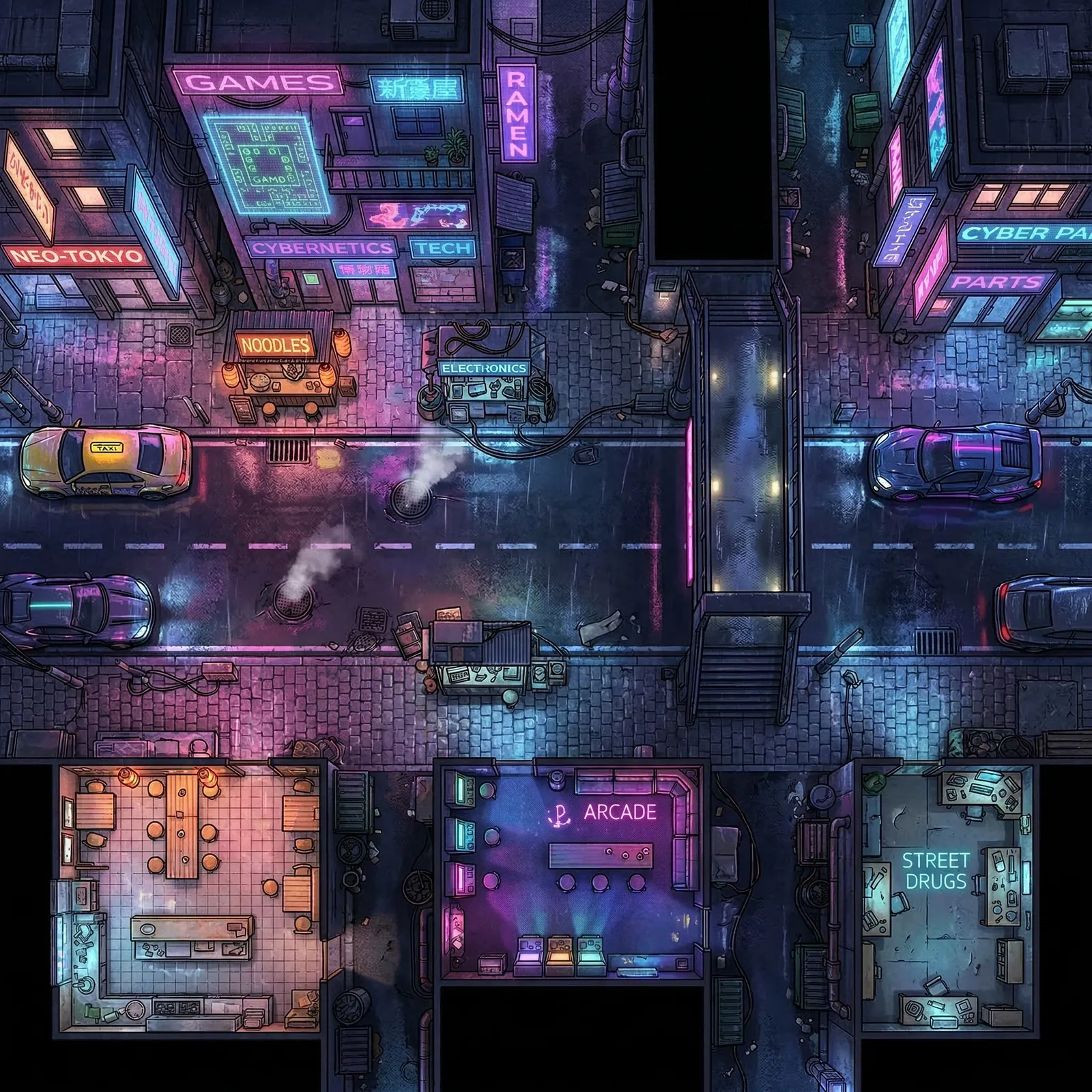
Rain-slicked cyberpunk street with neon signs and hovercars: battle map for an Owlbear Rodeo scene

Cyberpunk street

  • Square
  • 2K
  • Painted

The description

“Top-down battle map of a rain-slicked cyberpunk city street with neon signs reflecting off wet pavement, parked hovercars providing cover, and small street vendor stalls along the sidewalks. A pedestrian overpass crosses above the street, steam vents rise from manhole covers, and holographic advertisements flicker on building walls. Night scene drenched in neon pink, blue, and purple light reflections on wet surfaces, cyberpunk illustration style with rich colors, no characters or creatures present.”
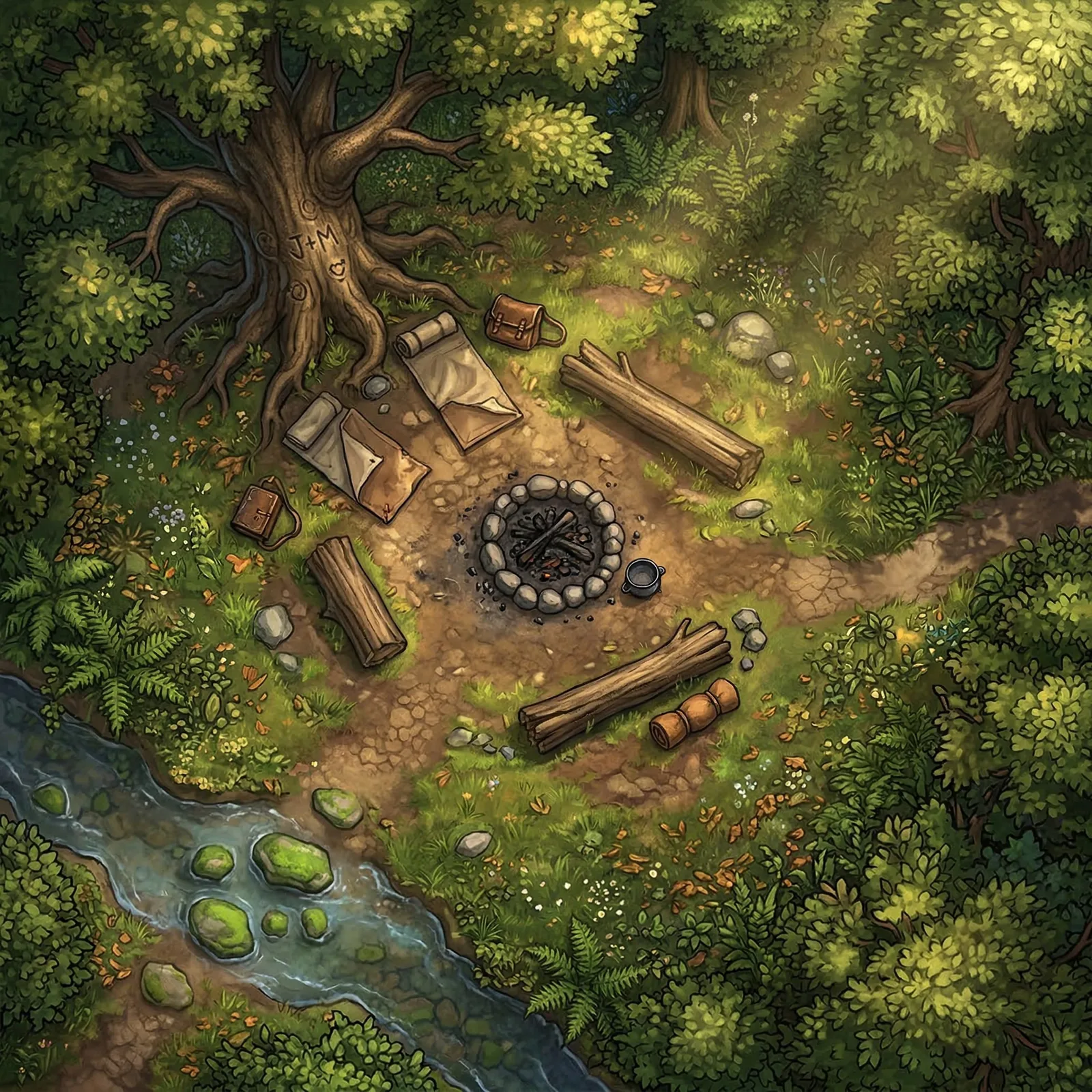
Sun-dappled forest clearing with a campsite, fire ring, and stream: battle map for an Owlbear Rodeo scene

Forest campsite

  • Square
  • 2K
  • Painted

The description

“A sun-dappled forest clearing with a well-worn campsite at the center, a stone fire ring with smoldering embers surrounded by fallen logs used as seating, two canvas bedrolls partially unfurled near a large oak tree with carved initials in the bark, a shallow stream cuts across one corner with mossy stepping stones, wildflowers and ferns crowd the clearing edges, dappled golden light filtering through a thick canopy overhead, scattered adventuring gear including a leather satchel and iron cooking pot, a narrow dirt trail leads off the eastern edge into dense woodland, warm afternoon tones with rich greens and amber highlights”
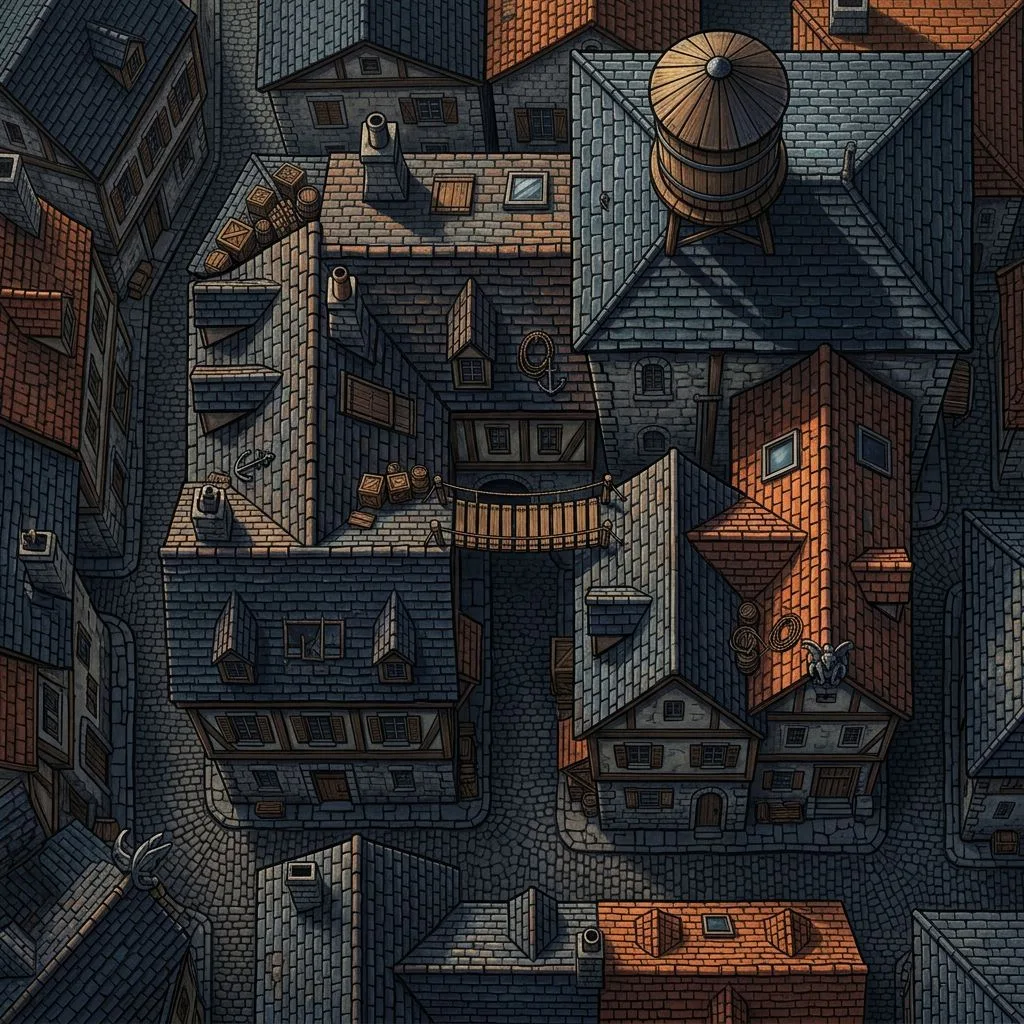
Moonlit medieval rooftops at three heights with a plank bridge and water tower: battle map for an Owlbear Rodeo scene

Rooftop chase

  • Square
  • 1K
  • Painted

The description

“Top-down battle map of connected medieval city rooftops at three different elevation levels with gaps between buildings that can be jumped. Chimneys and dormer windows provide cover, a wooden plank bridges two buildings, and a water tower sits on the highest roof. Night sky with moonlight casting long shadows across slate and terracotta rooftiles, fantasy illustration style with rich colors, no characters or creatures present.”
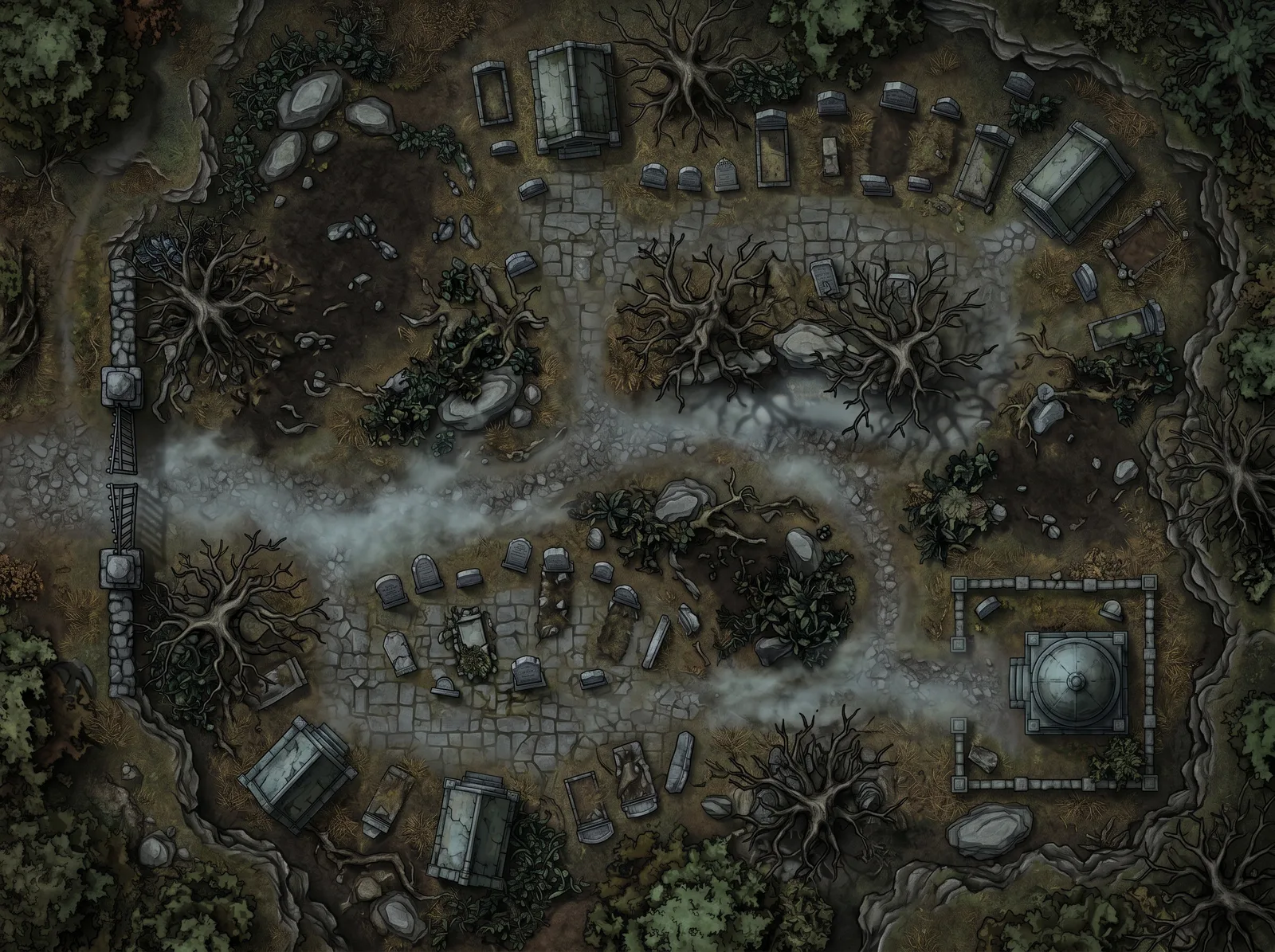
Midnight graveyard with mausoleums, dead trees, and ground fog: battle map for an Owlbear Rodeo scene

Midnight graveyard

  • Wide
  • 2K
  • Painted

The description

“Midnight graveyard, iron gate, tombstones and mausoleums, dead trees, ground fog, full moon”
How an Owlbear Rodeo session gets prepped

What a GM does between sessions, and where the maps come from.

1

Read your notes and pick the scenes

Most sessions come down to two to four places the party will stand: the crossroads where the ambush waits, the tavern where the deal goes wrong, the rooftops for the chase. Those are the maps you need. The rest can stay theater of the mind.

2

Describe each scene in NeedAMap

Write it the way you’d narrate it: the space, what’s in it, where the light comes from. Pick Wide for the crossroads, Square for the tavern, Multi-room for the manor, and 2K so the map holds up on a phone as well as a laptop. Three scenes is a few minutes of prep.

3

Import each map as a scene

Rename the file with the grid you want, for example tavern-14x14.jpg, and add it in the Scene tab of the Asset Manager. Owlbear reads the columns and rows from the name, or you type them in the manual controls. Drag characters in from the dock, and the map stays locked underneath them.

4

Run the session

Open the room, share the link, and switch scenes as the party moves. Fog the rooms they have not reached, measure spells with the drawing tools, and let anyone on a phone follow along. Every map stays in your NeedAMap library for the next time.

How Owlbear Rodeo sizes a map

If you searched for owlbear rodeo grid size, the answer is columns and rows. Owlbear Rodeo thinks in cells rather than pixels: when you import a map you tell it how many grid cells wide and tall the image is, and it scales the grid to fit. The Size setting in the importer offers Auto, Set DPI, Set Columns, and Set Rows.

Because NeedAMap maps have no printed grid, you choose the count. A square 2K map at 14 columns gives roughly 146 pixels per cell, plenty of detail when players zoom in; the same image at 20 columns makes a bigger battlefield with smaller cells. Decide the scale from the scene: a tavern interior sits well at 14 columns, an open field wants more.

Owlbear detects printed grids automatically, and a NeedAMap map has none to detect, so the filename or the manual controls set the count instead. Once they do, the default one-cell token is the right size on the map.

Importing in four steps

The quickest route is to put the grid in the filename before you upload.

  1. Download your map from the library.
  2. Rename the file with the grid you want, for example tavern-14x14.jpg. Owlbear Rodeo reads the columns and rows from the filename when you import.
  3. In the Asset Manager, open the Scene tab, click Add, and upload the file. The Scene Importer shows the grid over the map, and the manual controls at the top let you adjust columns and rows if you skipped the filename step.
  4. If the fit still looks off, select Transform to show the alignment rulers and fine-tune the corner and scale.

File sizes and Owlbear’s limits

Owlbear caps images at 25MB and 67 megapixels on the free and Fledgling plans, and at 50MB and 144 megapixels on Bestling. A NeedAMap 4K map is about 4.5MB and 16.8 megapixels, so every resolution fits every plan.

Storage is 200MB on the free plan, which holds about forty 4K maps or 160 at 2K, and 5GB on Fledgling.

Maps, props, and the grid

Maps are Owlbear Rodeo’s base layer. They sit below the grid and are locked by default, so nobody drags the floor in the middle of a fight. Props, mounts, characters, and notes stack above the map, so treasure chests and spell templates live on their own layer and the map image stays clean.

Matching the map to the encounter

Shape matters as much as resolution. A corridor fight or a street chase wants a Wide map, a tower interior or a chasm descent wants Tall, and an arena or a single dungeon room sits naturally in Square. NeedAMap generates all of these, plus a Cinematic ratio for set-piece encounters, and the column and row counts follow the shape you pick.

Where NeedAMap sits next to Owlbear’s own map options

Owlbear Rodeo does not draw maps. Its own guide points to creators like Cze and Peku and to tools like Dungeondraft and Dungeon Scrawl, all of which export with a known grid count. If you already buy or draw maps that way, they import exactly as ours do. If the scene exists only in your notes, NeedAMap draws it from your description and the filename sets the grid.

5 free maps

when you sign up, no credit card

Under a minute

from description to finished map

Credits come back

automatically if a generation fails

Commercial use

allowed on every tier, including free

Related pages

Common questions

Either type the columns and rows in the Manual Controls when you import, or put them in the filename, such as crypt-14x14.jpg, and Owlbear Rodeo reads them automatically. The alignment rulers under Transform handle any fine-tuning.

Fourteen columns gives roughly 146 pixels per cell on a 2048-pixel-wide map, which stays sharp under zoom. Use more columns for a larger battlefield and fewer for a single room. The map has no printed grid, so any count works.

No. The free Nestling plan includes 200MB of storage, two rooms, dynamic lighting, fog, extensions, and every tool, and a 4K map is about 4.5MB. Fledgling at $3.99 a month lifts storage to 5GB and rooms to ten.

25MB and 67 megapixels on the free and Fledgling plans, 50MB and 144 megapixels on Bestling. A NeedAMap 4K map is about 4.5MB and 16.8 megapixels, so every resolution fits.

Yes. Owlbear Rodeo runs in a mobile browser, and a 2K map keeps its detail on a phone screen while staying light to load.

Yes. Maps are locked by default, so double-click to select one, then right-click or open the overflow menu and choose Align Image to adjust the grid, or Unlock to move it.

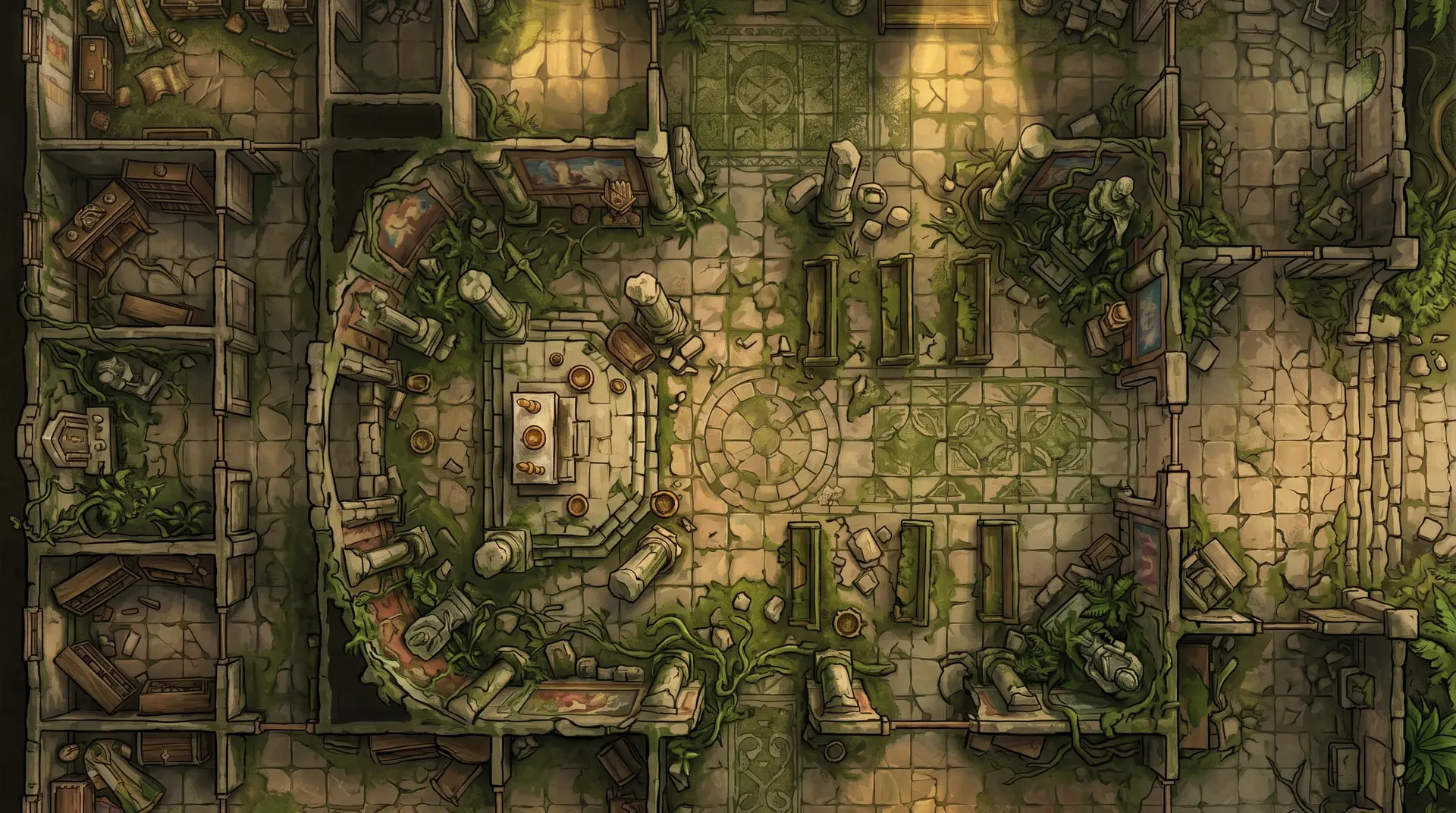
Jungle temple battle map, shown behind the sign-up call to action

Your next map, aligned in one import

5 free maps, no credit card required.

Notify me at launch