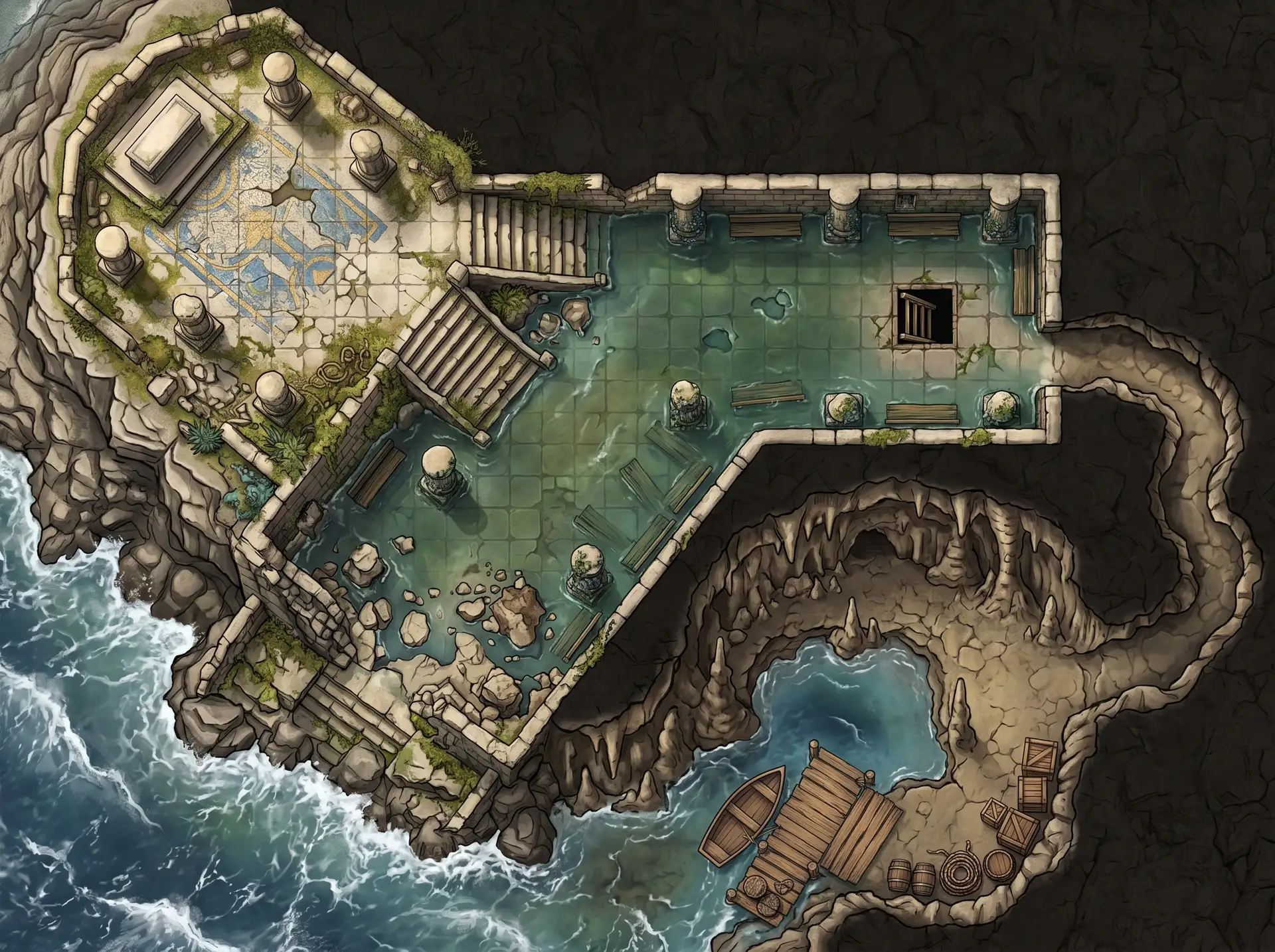
Here’s how the two tools actually differ, where each one wins, and how to pick for your table.
Choose Inkarnate if mapmaking is part of the hobby for you: you place every tree, wall, and torch yourself from a library of 30,000+ assets, and the result is exactly what you crafted. Choose NeedAMap if the session is Saturday and the map is what stands between you and finished prep: you describe the scene and get an encounter-ready map in under a minute.
| Inkarnate | NeedAMap | |
|---|---|---|
| What it is | Hand-placement map editor with a 30,000+ asset library | Scene-to-map tool: you describe the encounter and get a finished map |
| How a map gets made | You compose it asset by asset on a canvas | You write a few sentences, then pick shape, style, and resolution |
| Time to a table-ready map | As much as you give it; detailed maps are a real craft project | Under a minute |
| Price | Free: 3 maps, 2K export, personal use only. Creator $7.99/month. Studio $14.99/month | Free: 5 maps. $4/month for 15 credits that roll over up to 30, or a $3 pack of 10 credits that never expires |
| Commercial use | Studio plan only ($14.99/month) | Allowed on every tier, including free |
| Genres | Fantasy-focused asset library, strongest in classic fantasy | Fantasy, sci-fi, horror, modern, western, and anything else you can describe |
| Export resolution | 2K free, 8K on Creator, 16K beta on Studio | 1K, 2K, or 4K |
| VTT import | Standard image export | Standard image export; at 2K that’s about 146 pixels per grid square, above Roll20’s recommendation |
Inkarnate is the better fit in three situations. You’re building a world map for a campaign setting, with coastlines, regions, and cities placed where your lore puts them: that’s hand-placement work. You print at poster size: its exports go past our 4K ceiling. Or the craft itself is why you’re here, and a tool that skips the making skips the point.
Most people who search for an alternative aren’t unhappy with Inkarnate’s output. They’re out of time for its workflow. If a craft session per map is more than your prep schedule allows, that’s the gap NeedAMap fills: you spend one written description instead of an evening, and commercial use comes included on every tier.
Curious how the described-and-done side works? See how NeedAMap works, compare plans, or see every battle map maker compared.
For encounter and battle maps, yes: you describe a scene and get a finished map in under a minute, where Inkarnate gives you full manual control and takes as long as you choose to spend. For hand-crafted world maps with precise regional detail, Inkarnate remains the stronger pick.
NeedAMap, by a wide margin: a few written sentences become a finished map in under a minute. In Inkarnate you place every asset yourself, which is a feature when the crafting is the point and a cost when Saturday is close.
Yes, at up to 8K export on the Creator plan and 16K on Studio. You build them by hand, so the question is whether your prep schedule can afford the build time.